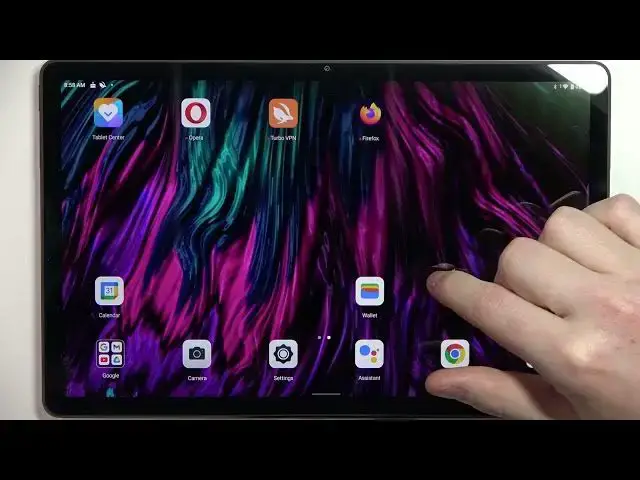

Lenovo Tab P11 Plus - Fix Internet Browsing Problems
Jul 25, 2024

Check more info about LENOVO TAB P11 PLUS :
https://www.hardreset.info/devices/lenovo/lenovo-tab-p11-plus/tutorials/
Additionally Try to :
If you're having problems with internet browsing on your Lenovo Tab P11 Plus, you can try the following steps to troubleshoot and fix the issue:
Check your internet connection: Make sure that your device is connected to a working internet network. You can try switching to a different network or resetting your router to see if that helps.
Clear the browser's cache and cookies: Over time, your browser can accumulate a lot of data that can slow it down or cause it to behave unexpectedly. You can try clearing the cache and cookies in your browser's settings to see if that helps.
Check for updates: Make sure that you have the latest version of the browser installed on your device. You can try checking for updates in the app's settings or in the Google Play Store.
Restart the device: Sometimes, a simple restart can help fix problems with the internet browsing. You can try turning off your device and turning it back on again to see if that helps.
Check for malware: If you suspect that your device may be infected with malware, you can try running a malware scan to see if that helps. You can use an antivirus app or a security app to do this.
If these steps don't help fix the internet browsing problems on your Lenovo Tab P11 Plus, you can try looking for a tutorial online or contacting Lenovo customer support for assistance. It's also a good idea to check the device's manual or the manufacturer's website for additional troubleshooting tips.
How to repair internet problems on LENOVO TAB P11 PLUS ?
I can't download from Google Play Store on LENOVO TAB P11 PLUS ?
Google chrome on LENOVO TAB P11 PLUS not working ?
Show More Show Less #Internet Software