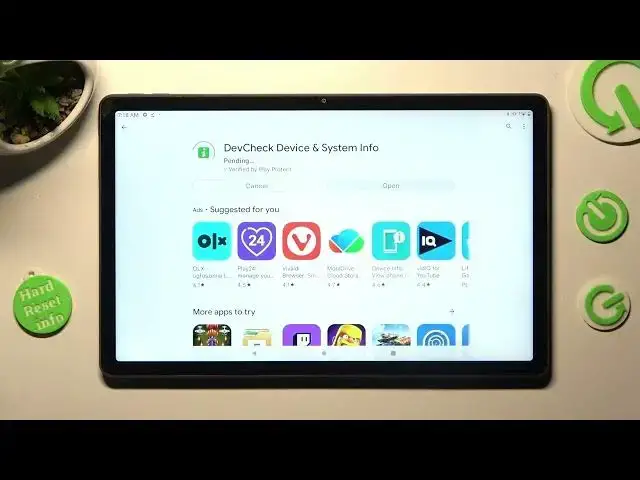

LENOVO TAB P11 PLUS - Check Phone Specification With DevCheck Hardware And System Info
Jul 25, 2024

Check more info about LENOVO TAB P11 PLUS :
https://www.hardreset.info/devices/lenovo/lenovo-tab-p11-plus/tutorials/
To check the phone specification of a Lenovo Tab P11 Plus using the DevCheck Hardware and System Info app, follow these steps:
Install the DevCheck Hardware and System Info app from the Google Play Store.
Open the DevCheck app.
The app will display a summary of your device's hardware and system information, including the device model, processor, RAM, storage, and operating system.
To view more detailed information, tap the menu icon in the top-right corner of the screen, then tap "Hardware" or "System" to view the relevant information.
The DevCheck Hardware and System Info app is a tool that allows you to view detailed information about your device's hardware and system configuration. It provides a comprehensive overview of your device's specification, including the processor type and speed, RAM size, storage capacity, and operating system version.
I hope this helps! Let me know if you have any other questions.
How to check hardware info on LENOVO TAB P11 PLUS ?
Where is device info on LENOVO TAB P11 PLUS ?
How to look at specifications on LENOVO TAB P11 PLUS ?
How much ram does LENOVO TAB P11 PLUS have ?
Show More Show Less