
Lenovo Tab M10 Plus - How To Unpack Rar & Zip Files
Mar 25, 2024

Visit Our Website And Learn About LENOVO TAB M10+ :
https://www.hardreset.info/devices/lenovo/lenovo-tab-m10-plus/tutorials/
To unpack (or extract) RAR and ZIP files on a Lenovo Tab M10 Plus, you will need to use a file compression and extraction app. There are many such apps available on the Google Play Store, and you can choose one that meets your needs and preferences.
To unpack RAR and ZIP files on a Lenovo Tab M10 Plus:
Install a file compression and extraction app from the Google Play Store. Some popular options include WinZip, ZArchiver, and RAR.
Open the app and tap on the RAR or ZIP file that you want to unpack.
Tap on the "Extract" or "Unpack" button.
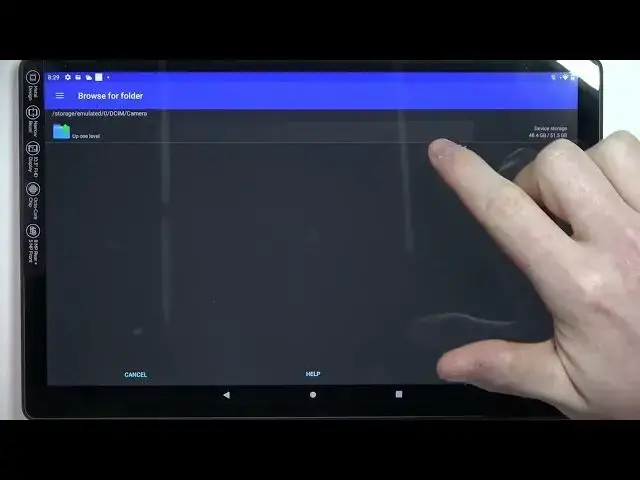
Choose the destination folder where you want to extract the files.
Tap on the "Extract" or "Unpack" button to start the extraction process.
Wait for the extraction process to complete.
This will unpack the selected RAR or ZIP file on your Lenovo Tab M10 Plus. Keep in mind that the exact steps and options may vary depending on the app that you're using and the device's software version and settings.
Show More Show Less