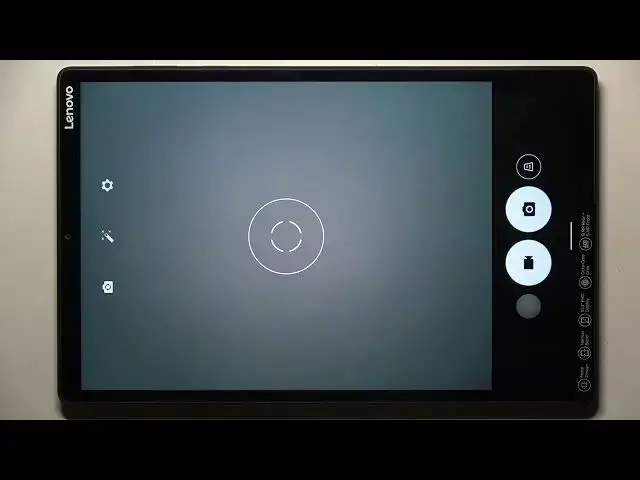

LENOVO TAB M10+ How To Change Video Quality
Mar 25, 2024

Visit Our Website And Learn About LENOVO TAB M10+ :
https://www.hardreset.info/devices/lenovo/lenovo-tab-m10-plus/tutorials/
You can change the video quality on a Lenovo Tab M10+ using the settings of the app or service that you're using to play the video.
To change the video quality on a Lenovo Tab M10+:
Open the app or service that you're using to play the video.
Look for a "Quality" or "Video Quality" setting in the app or service's settings or options.
Tap on the "Quality" or "Video Quality" setting.
Choose the desired video quality from the available options.
This will change the video quality on your Lenovo Tab M10+ for the selected app or service. Keep in mind that the exact steps and options may vary depending on the app or service that you're using and the device's software version and settings.
If you're having trouble changing the video quality on your Lenovo Tab M10+, you can try looking for a tutorial online or contacting the app or service's customer support for assistance.
You can also try using a third-party app or service to change the video quality on the device. Some apps and services may offer additional options or features for controlling the video quality, such as the ability to adjust the video resolution or to optimize the video for different devices or networks. You can try installing and using a different video quality app or service to see if it works on your Lenovo Tab M10+.
Show More Show Less