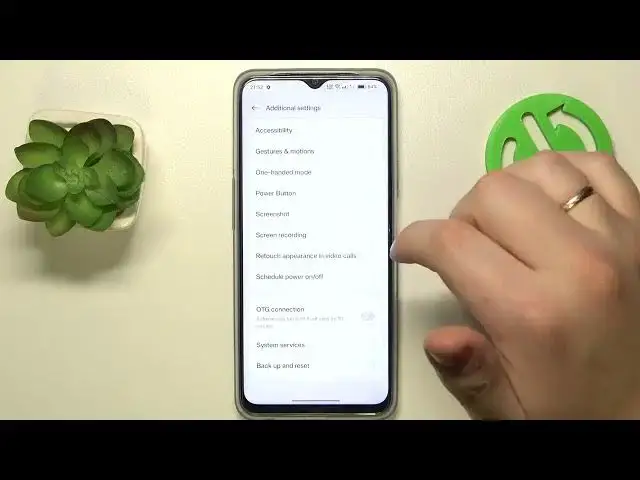

Keep Your Oppo Device Safe - Learn How to Undo Developer Options!
Jul 31, 2024

More Oppo Phone and Devices Tips&Tricks: https://www.hardreset.info/devices/oppo/
Welcome to our channel, your ultimate source for all things Oppo! In this highly informative video, we'll guide you on how to disable the developer options on your Oppo phone, ensuring that you maintain the optimal performance and security of your device. If you've ever enabled developer options and want to revert back to the default settings or simply want to ensure that your phone is free from any potential risks, this tutorial is a must-watch!
In this comprehensive guide, we'll walk you through the process of disabling the developer options on your Oppo device effortlessly. Whether you own an Oppo F15, Oppo A53s, or any other Oppo model, our techniques are applicable and user-friendly for all. You'll learn how to navigate through the settings menu and disable the developer options with ease.
While developer options can be useful for advanced users and app developers, they may not be necessary for the average user. Disabling developer options safeguards your device from any unintended changes or potential vulnerabilities. We'll show you how to return your Oppo phone to its default settings, ensuring a smooth and secure user experience.
Join us in this empowering tutorial and gain the knowledge to disable the developer options on your Oppo device safely. Take control of your phone's settings and eliminate any risks associated with unintended modifications. Protect your device's performance and security with confidence.
Don't miss out on this must-watch tutorial that could potentially save you from any unwanted consequences. Hit the play button now and unlock the key to disable developer options on your Oppo phone!
#DisableDeveloperOptions #OppoPhoneSecurity #ProtectDeviceSettings
How to disable the developer options on my Oppo phone to ensure optimal performance and security?
Are there any risks associated with leaving the developer options enabled on my Oppo device?
What are the benefits of disabling developer options for the average user?
Can I revert back to the default settings on my Oppo phone by disabling the developer options?
How can I navigate through the settings menu and safely disable the developer options on my Oppo device?
Follow us on Instagram ► https://www.instagram.com/hardreset.info
Like us on Facebook ► https://www.facebook.com/hardresetinfo/
Tweet us on Twitter ► https://twitter.com/HardResetI
Support us on TikTok ► https://www.tiktok.com/@hardreset.info
Show More Show Less