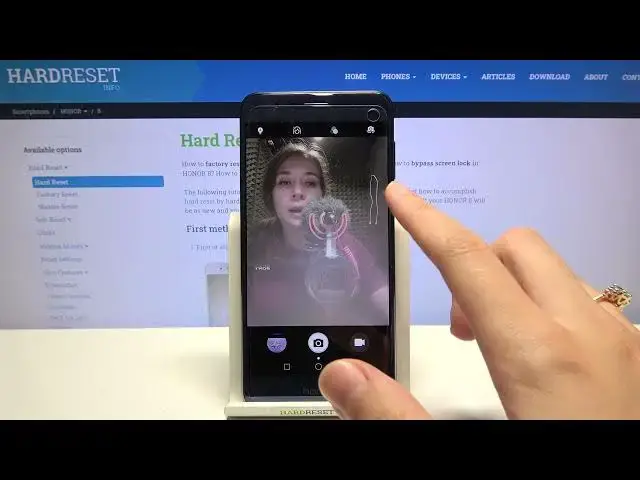

HUAWEI Honor 8 and Camera Features – Enable and Deactivate Camera Mirror Effect
Jul 7, 2024

Find out more about HUAWEI Honor 8:
https://www.hardreset.info/devices/huawei/huawei-honor-8/
Good day to everyone! Today we'll tell you how to manage Camera Settings on HUAWEI Honor 8 and activate the Mirror Effect mode for it. We assure you that the control of this option is very simple and you can easily cope with it if you act strictly according to the instructions shown above. So from now on, you can create beautifully gorgeous selfies. Please support our work by subscribing or leaving feedback!
How to Turn Off Mirror Effect Camera in HUAWEI Honor 8? How to Turn On Mirror Effect Camera in HUAWEI Honor 8? How to Disable Mirror Effect Camera in HUAWEI Honor 8? How to Enable Mirror Effect Camera in HUAWEI Honor 8? How to Switch Off Mirror Effect Camera in HUAWEI Honor 8? How to Switch On Mirror Effect Camera in HUAWEI Honor 8? How to Remove Mirror Effect Camera in HUAWEI Honor 8? How to lock Mirror Effect Camera in HUAWEI Honor 8?
#CameraMirrorEffect #CameraFeatures #HUAWEIHonor8
Follow us on Instagram ► https://www.instagram.com/hardreset.info
Like us on Facebook ► https://www.facebook.com/hardresetinfo/
Tweet us on Twitter ► https://twitter.com/HardResetI
Support us on TikTok ► https://www.tiktok.com/@hardreset.info
Use Reset Guides for many popular Apps ► https://www.hardreset.info/apps/apps/
Show More Show Less