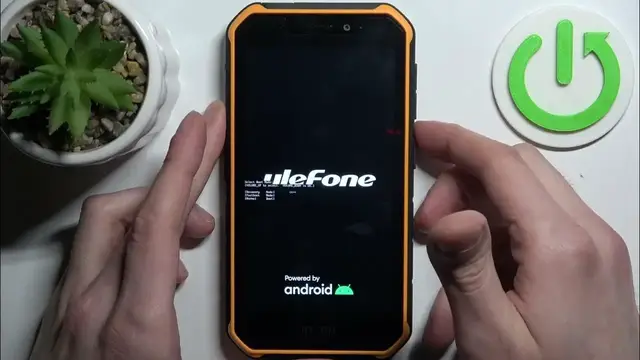

How to Wipe Cache on ULEFONE Armor X7 Pro
Jan 13, 2024

Find out more about ULEFONE Armor X7 Pro:
https://www.hardreset.info/devices/ulefone/ulefone-armor-x7-pro/tutorials/
Hi! Wiping the cache on your ULEFONE Armor X7 Pro can help resolve certain performance issues by clearing temporary files and data that might be causing problems. Follow our steps and open the Recovery Mode on your device, then simply clear the cache partition on your device. Go to our YouTube channel if you want to know more about ULEFONE Armor X7 Pro.
How to wipe the cache on ULEFONE Armor X7 Pro? How to open the Recovery Mode on ULEFONE Armor X7 Pro?
#WipeCache #CachePartition #ULEFONEArmorX7Pro
Follow us on Instagram ► https://www.instagram.com/hardreset.info
Like us on Facebook ► https://www.facebook.com/hardresetinfo/
Tweet us on Twitter ► https://twitter.com/HardResetI
Support us on TikTok ► https://www.tiktok.com/@hardreset.info
Use Reset Guides for many popular Apps ► https://www.hardreset.info/apps/apps/
Show More Show Less #Science