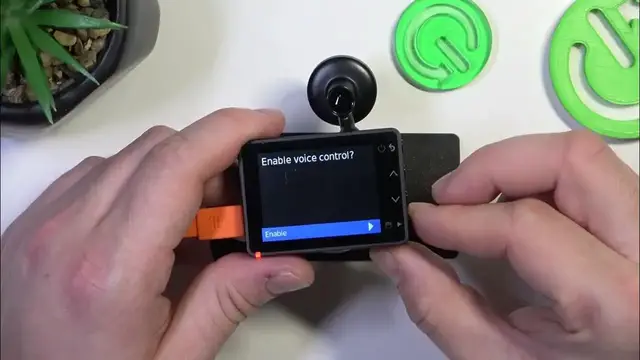

How to Use Voice Control on Your Garmin Dash Cam 57
Jan 17, 2024

Find out more: https://www.hardreset.info/devices/
Unlock the power of hands-free operation with your Garmin Dash Cam 57 by mastering its voice control settings, as showcased in our latest video. The voice control feature of this dash cam adds convenience and safety to your driving experience, allowing you to focus on the road while still controlling your device. In this tutorial, we dive into how to activate and manage the voice control settings, ensuring you can efficiently operate your dash cam with simple voice commands. Whether it's saving a video, taking a picture, or starting and stopping audio recording, this feature enhances your dash cam's usability without compromising safety. Ideal for drivers who value convenience and safety, this video is your comprehensive guide to making the most of your Garmin Dash Cam 57’s voice control capabilities. Don't forget to subscribe for more practical guides and tips on using your Garmin dash cam!
Hashtags:
#GarminDashCam57
#VoiceControl
#DashCamTips
Questions for Engagement:
How to enable voice control on the Garmin Dash Cam 57?
How to customize voice commands for your Garmin Dash Cam 57?
How to effectively use voice control while driving with the Garmin Dash Cam 57?
How do voice commands improve the functionality of the Garmin Dash Cam 57?
How to troubleshoot voice control issues on the Garmin Dash Cam 57?
Follow us on Instagram ► https://www.instagram.com/hardreset.info
Like us on Facebook ► https://www.facebook.com/hardresetinfo/
Tweet us on Twitter ► https://twitter.com/HardResetI
Support us on TikTok ► https://www.tiktok.com/@hardreset.info
Use Reset Guides for many popular Apps ► https://www.hardreset.info/apps/apps/
Show More Show Less