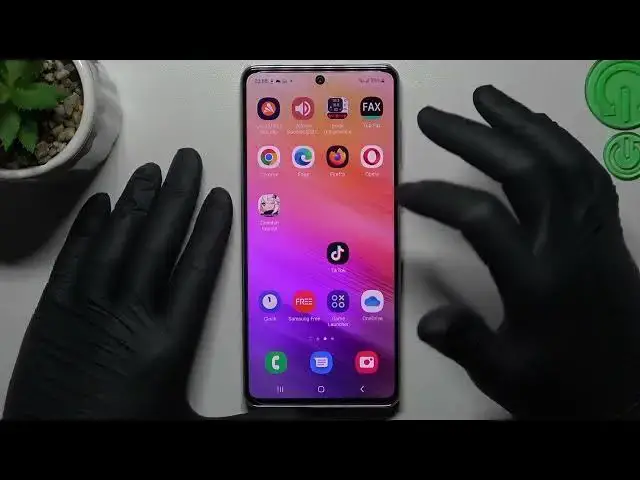

How to Use the Google Image Search on a SAMSUNG Galaxy A73 5G - Reverse Google Picture Search
Mar 23, 2024

Learn more about SAMSUNG Galaxy A73 5G: https://www.hardreset.info/devices/samsung/samsung-galaxy-a73-5g/tutorials/
n this YouTube tutorial, we will teach you how to perform a reverse picture search on your Samsung Galaxy A73 5G using Google. We will guide you through the process step-by-step, from selecting the image you want to search for to analyzing the results. A reverse picture search is a powerful tool that can help you identify the source of an image, find similar images, and even track down copyright infringement. Whether you're a photographer, a graphic designer, or just curious about an image you came across online, this tutorial will equip you with the skills you need to conduct a successful reverse picture search on your Samsung device. So grab your phone and join us for this exciting tutorial!
How to perform a Google picture search on a SAMSUNG Galaxy A73 5G? How to use the Google photo search feature on a SAMSUNG Galaxy A73 5G? How to search with pictures on Google on a SAMSUNG Galaxy A73 5G?
#SAMSUNGGalaxyA73 #ImageSearch #SAMSUNGGoogle
Follow us on Instagram ► https://www.instagram.com/hardreset.info
Like us on Facebook ►
https://www.facebook.com/hardresetinfo/
Tweet us on Twitter ► https://twitter.com/HardResetI
Support us on TikTok ► https://www.tiktok.com/@hardreset.info
Use Reset Guides for many popular Apps ► https://www.hardreset.info/apps/apps/
Show More Show Less #Online Image Galleries
#Photo & Video Sharing
#Photo & Image Sharing