0:00
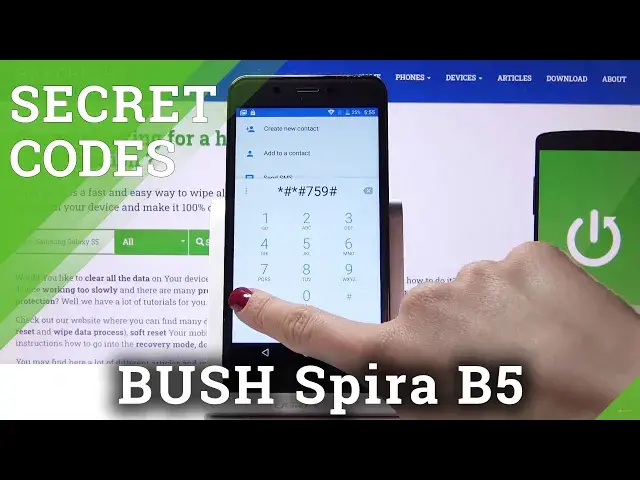
Here I've got a Bushpyra B3-5 and let me show you how to use all the secret codes on the
0:09
following device. So first let's open the phone dealer and go to keypad. Now we will start with
0:15
the first code, a pretty quick one which is asterixpound06pound and it's one of the most
0:22
useful codes which will provide you with both email numbers assigned to your device. So just
0:26
enter asterixpound06pound and then you can come along with both email numbers that are the unique
0:32
numbers assigned to your bush. It's the first code. Now it's time for the second one and it
0:37
is asterixpound. Asterixpound759. Pound asterix. Pound asterix. And as you can see now you're in
0:46
debug menu so here you can check brand code, unique device ID, activation events, send
0:52
next alarm, current backoff enabled services, ping table and many other useful info. You can
0:58
also come along with ping events and view client ID. So let me go back. It's time for the third
1:04
code and that is asterixpound. Asterixpound426. Pound asterix. Pound asterix. And now we are in
1:15
diagnostic mode performed by Google where you can locate events and also status and if you'd
1:20
like to activate advanced view just tap on the more icon and then select advanced view. Here it is
1:26
Then come along with all the information. So that will be all. And another code is asterixpound
1:33
Asterixpound225. Pound asterix. Pound asterix. And here you've got the calendar info so you can
1:41
check all holidays in Poland or the place you currently stay in and also all the events that
1:46
are assigned to your Google calendar and also devices calendar so from now on you will not
1:51
forget about any important celebration, any important event. So let's go back. And the last
1:57
one, the last code is asterixpound. Asterixpound4636. Pound asterix. Pound asterix. And here you've got
2:06
the testing mode where you can check phone information, usage statistics and also Wi-Fi
2:10
information. So let's start with phone information. Here you can read your email number. You can
2:15
perform a ping test. To do it just click on run ping test and below you've got the solution and
2:21
you can come along with plenty of very useful info. Then under usage statistics you can come along
2:27
with the detailed information about your application so if you'd like to check usage time
2:31
just open it and here you've got all applications included. And finally Wi-Fi information where you can come along with Wi-Fi APA, Wi-Fi configuration and Wi-Fi
2:43
status. Under Wi-Fi APA you will locate the disabled network, disconnected networks, enabled network
2:50
configured networks and also the whole connection info in general. Then under Wi-Fi configuration
2:56
you can read all your configured networks and then under Wi-Fi status, just refresh status, you can
3:04
check the status of the network you're currently connected with and also this mode allows you to
3:09
perform a ping test over here. And that would be all. These are all secret codes that can be used
3:14
in this device. Enjoy them and use them as often as you want to, as you need to. Thank you for
3:19
watching. Please subscribe our channel and leave the thumbs up