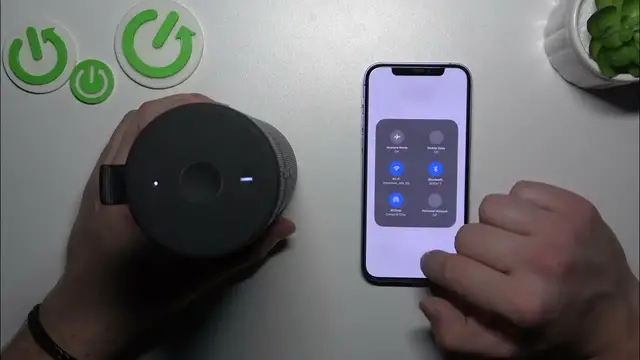

How to Use One-Touch to Playlist on Your Ultimate Ears Boom 3
Jan 17, 2024

Find out more: https://www.hardreset.info/devices/
Dive into the convenience and innovation of the Ultimate Ears Boom 3 with our latest video, where we explore how to enable and manage the One-Touch to Playlist function. This feature, a game-changer for music lovers, allows you to access your favorite playlists instantly with just a single touch. Our comprehensive guide is perfect for UE Boom 3 users looking to enhance their music experience with this smart functionality. Whether you're hosting a party, working out, or just relaxing, learn how to set up and customize this feature to suit your lifestyle. We cover everything from activating One-Touch to Playlist in the UE app to selecting and changing your go-to playlists. Ideal for those who appreciate quick and easy access to their music, this video will transform the way you interact with your UE Boom 3. Stay tuned for more insightful tips by liking, subscribing, and turning on notifications!
#UEBoom3Playlist
#OneTouchMusic
#TechTips
Questions for the Video:
How to activate the One-Touch to Playlist function on the Ultimate Ears Boom 3?
How to select and change your preferred playlists for the One-Touch feature?
How to use the UE Boom 3 app to manage your One-Touch to Playlist settings?
How to troubleshoot if the One-Touch to Playlist function isn't working?
How to optimize your UE Boom 3 for quick playlist access?
Follow us on Instagram ► https://www.instagram.com/hardreset.info
Like us on Facebook ► https://www.facebook.com/hardresetinfo/
Tweet us on Twitter ► https://twitter.com/HardResetI
Support us on TikTok ► https://www.tiktok.com/@hardreset.info
Use Reset Guides for many popular Apps ► https://www.hardreset.info/apps/apps/
Show More Show Less