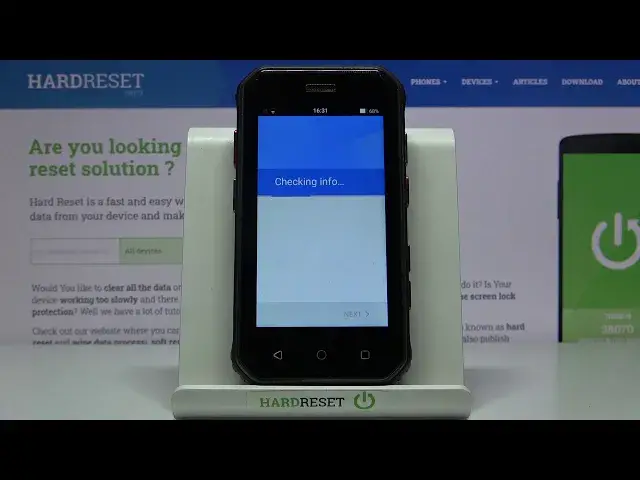

How to Use Google Backup on SOYES S10 Mini – Activate Google Backup
Jul 15, 2024

Learn more info about SOYES S10 Mini:
https://www.hardreset.info/devices/soyes/soyes-s10/
If you want to free up internal memory on your SOYES S10 Mini, you don't need an SD card. Yes, you read that right - you don't need to move files to the SD card, just do a Google backup. Follow our instructions and create a Google backup account and transfer all your most important files, documents, photos to Google Drive.
How to enable backup data on SOYES S10? How to create data repository in SOYES S10? How to enable Google backup in SOYES S10? How to add backup account in SOYES S10? How to transfer data to Google Drive on SOYES S10? How to use Google Drive in SOYES S10? How to turn on Google Backup on SOYES S10? How to Back up SOYES S10 Data? How to Add Back Up Account to SOYES S10? How to Activate Automatic Restore on SOYES S10? How to Turn On Automatic Restore on SOYES S10? How to Transfer Files to Google Drive?
Follow us on Instagram ► https://www.instagram.com/hardreset.info
Like us on Facebook ► https://www.facebook.com/hardresetinfo/
Tweet us on Twitter ► https://twitter.com/HardResetI
Show More Show Less