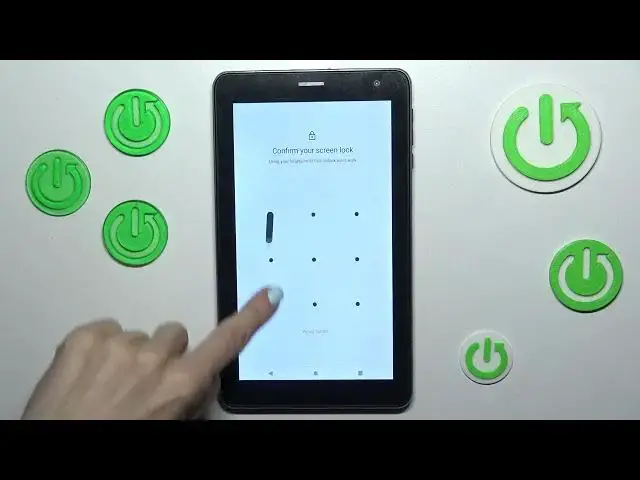

How To Use Google Backup In Navitel T787
Mar 19, 2024

You Can Visit Our Website For More Guides : https://www.hardreset.info
In this video tutorial, we will show you how to use Google Backup on Navitel T787. Google Backup is a convenient feature that allows you to securely back up your important data, such as contacts, photos, app data, and more, to your Google account. By following the steps outlined in this video, you'll be able to set up and utilize Google Backup on your Navitel T787, ensuring that your data is safe and easily restorable.
How to use Google Backup on Navitel T787
Navitel T787 Google Backup tutorial
Step-by-step guide: Setting up Google Backup on Navitel T787
Navitel T787 data backup with Google
Google Backup and Restore on Navitel T787 explained
#navitel #tablet #googlebackup
Follow us on Instagram ► https://www.instagram.com/hardreset.info
Like us on Facebook ► https://www.facebook.com/hardresetinfo/
Tweet us on Twitter ► https://twitter.com/HardResetI
Support us on TikTok ► https://www.tiktok.com/@hardreset.info
Use Reset Guides for many popular Apps ► https://www.hardreset.info/apps/apps/
Show More Show Less