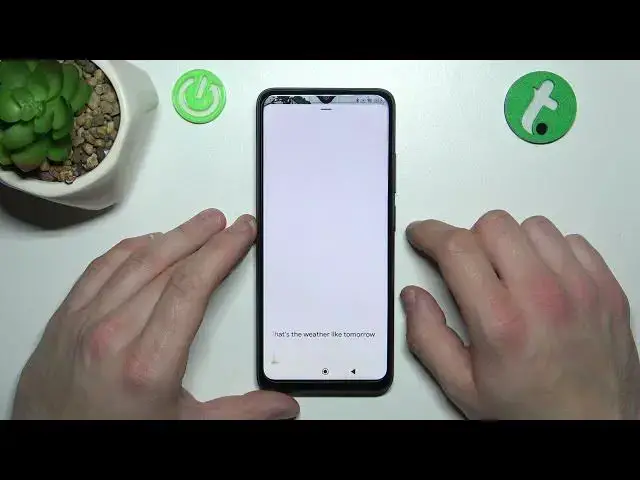

How to Use Google Assistant on Lock Screen on Xiaomi Redmi 12C?
Jul 28, 2024

In this tutorial, you'll learn how to use Google Assistant on lock screen on your Xiaomi Redmi 12C. Google Assistant is a powerful voice assistant that can help you manage your device and answer your questions, and this step-by-step guide will show you how to access it even when your device is locked. You'll learn how to set up Google Assistant on your lock screen and use voice commands to send messages, make calls, and control your device hands-free. With these tips and tricks, you'll be able to get more done with less effort on your Xiaomi Redmi 12C.
Check our website: https://www.hardreset.info/devices/redmi/redmi-12c/tutorials/
How to Activate Google Assistant while Lock Screen on Xiaomi Redmi 12C?
#xiaomiredmi12c #redmi12c #xiaomi
Follow us on Instagram ► https://www.instagram.com/hardreset.info
Like us on Facebook ► https://www.facebook.com/hardresetinfo/
Tweet us on Twitter ► https://twitter.com/HardResetI
Support us on TikTok ► https://www.tiktok.com/@hardreset.info
Use Reset Guides for many popular Apps ► https://www.hardreset.info/apps/apps/
Show More Show Less #Software