0:00
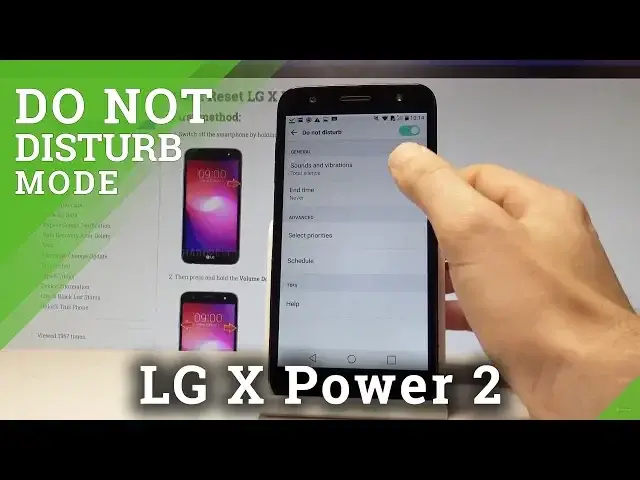
Here I have LG X Power 2 and let me show you how to use Do Not Disturb mode on the following device
0:10
So at the very beginning let's unlock the screen. Here you need to find and select the upper bar and if you would like to quickly open
0:17
Do Not Disturb from the following icon let's choose Do Not Disturb
0:21
Right now as you can see the icon of Do Not Disturb should pops up right here and if you
0:26
would like to find some settings connected with Do Not Disturb let's choose the settings icon
0:32
Then from the following list let's choose the sound and notifications. Scroll down and here you have to find Do Not Disturb
0:41
Here you can enable or disable this mode or you can tap on Do Not Disturb to edit some settings
0:47
Here you can for example choose general so you can here choose priority only or total silence
0:52
Let me choose priority only. You can choose the end time of Do Not Disturb
0:58
You may select some priorities so you can handle with repeat callers, up notifications
1:02
you can accept some calls and messages from someone. You can use the schedule time so you can turn on the Do Not Disturb every weekend, every
1:11
weeknight or every other rule. Let's go back and that's it. Now you may use your device
1:16
Thank you for watching. Please subscribe our channel and leave thumbs up under the video