0:00
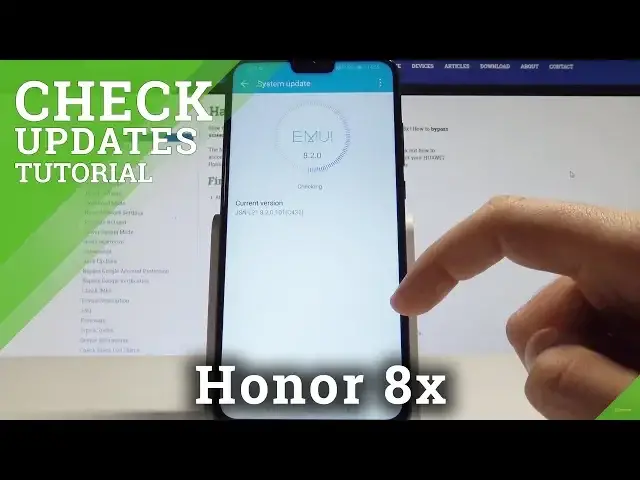
I have Honor 8X and let me show you how to manage system update on the following device
0:12
and let me show you how to check the current version of system
0:16
So at the very beginning let's start by using your home screen, find and select the settings
0:21
here you have to scroll down, choose system and select here system update
0:25
So as you can see here you've got your current version of the device and you can check for
0:29
updates by using that key. Let's do it. Of course you need to have the internet access to do it so let me just connect my device
0:37
to a wifi and now you can go back and you can check for updates
0:45
The device is checking. In my case system is up to date so this is my version of the device and now I can also
0:53
use more key and select here update settings. I can use auto download over wifi or here I can also update overnight by using this
1:03
switcher and I can also download the latest full package so I can just check out if there
1:11
is any newer package to download. So that's it. Everything went well
1:17
Thank you for watching. Subscribe our channel, leave thumbs up under the video