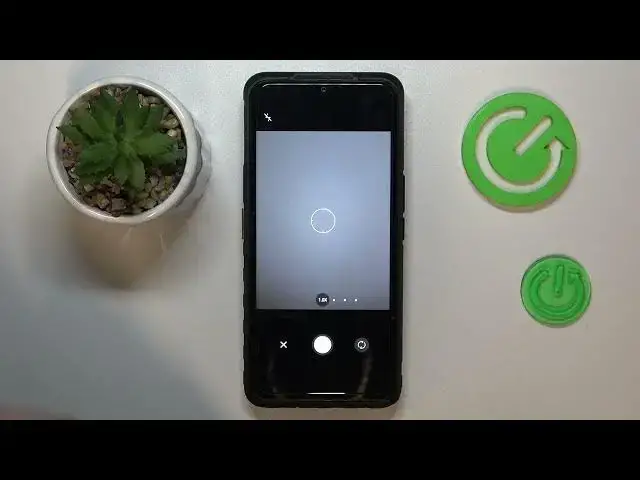

How to Turn Scan to a PDF File in Cat S53 - Scan a Document And Save as PDF File
Mar 18, 2024

Find out more about CAT S53:
https://www.hardreset.info/devices/caterpillar/caterpillar-cat-s53/tutorials/
Thanks to this short instruction video you will be able to learn the easy way to make a Scan picture of any document and save it as a PDF file on your Cat S53 device. Find out how to use the camera to take a picture of a document and cut it to change the photo to look like a scan and then save it as a PDF file. Watch more useful tutorials to this one which you can find on our HardReset.Info yt channel.
How to use the Drive app for scanning documents on CAT S53? How to scan a real life document using CAT S53 smartphone? How to scan a file on CAT S53? How to create a PDF file out of a scan on CAT S53?
#SaveScanAsPDF #TurnScanToPdfFile #CatS53
Follow us on Instagram ► https://www.instagram.com/hardreset.info
Like us on Facebook ► https://www.facebook.com/hardresetinfo/
Tweet us on Twitter ► https://twitter.com/HardResetI
Support us on TikTok ► https://www.tiktok.com/@hardreset.info
Use Reset Guides for many popular Apps ► https://www.hardreset.info/apps/apps/
Show More Show Less