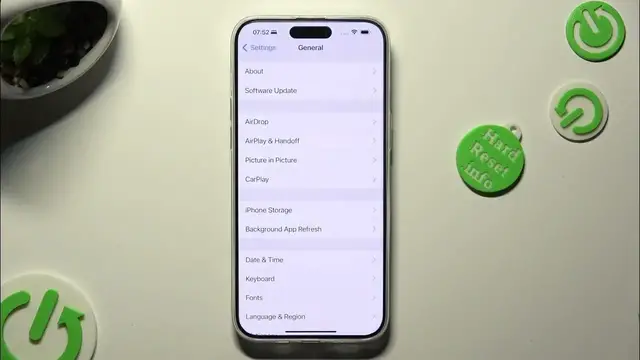

How to Turn On/Off Auto Correction on iPhone 15 Pro Max - Manage Keyboard Settings
Jan 19, 2024

Find out more info about iPhone 15 Pro Max: https://www.hardreset.info/devices/apple/apple-iphone-15-pro-max/tutorials/
Not sure how to manage text correction settings on your iPhone 15 Pro Max? Interested in turning auto-correction on or off? Join us in this video guide where we'll walk you through the process of enabling or disabling auto-correction on your iPhone 15 Pro Max. If you're looking to deactivate predictive text as well, follow the instructions provided to access the settings for customizing auto-correction. Let's use this tutorial to switch to the standard keyboard on your iPhone 15 Pro Max. For more helpful tutorials on your iPhone 15 Pro Max and other features, visit our HardReset.info YT channel. Get ready to fine-tune your text correction settings!
How to activate autocorrection on iPhone 15 Pro Max? How to use autocorrection on iPhone 15 Pro Max? How to turn on autocorrect on iPhone 15 Pro Max? How to turn autocorrect off on iPhone 15 Pro Max? How to switch from autocorrection to normal keyboard on iPhone 15 Pro Max? #AutoCorrection #TextCorrection #iPhone15ProMax
Follow us on Instagram ► https://www.instagram.com/hardreset.info
Like us on Facebook ► https://www.facebook.com/hardresetinfo/
Tweet us on Twitter ► https://twitter.com/HardResetI
Support us on TikTok ► https://www.tiktok.com/@hardreset.info
Use Reset Guides for many popular Apps ► https://www.hardreset.info/apps/apps/
Show More Show Less