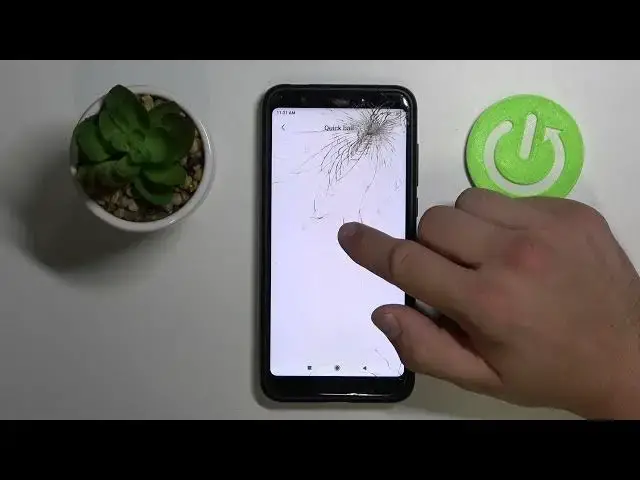

How to Turn On/Off Assistive Ball in Xiaomi Redmi 5 Plus - Find Accessibility Features
Apr 13, 2024

Check out more info about Xiaomi Redmi 5 Plus: https://www.hardreset.info/devices/xiaomi/xiaomi-redmi-5-plus/
Today, we’ll show you how to make Xiaomi Redmi 5 Plus more accessible to use, within minutes! Follow this tutorial, step by step, and find out how to locate Accessibility Settings, then you can Enable an awesome option called Assistive Ball. After Turning it On, you’ll see Dot on your Display. After clicking on this dot, you’ll access shortcuts to phone features like screenshot or settings. We’ll also show you how to Disable it, if you don't like it. So, don’t wait, let’s begin!
How to Turn On Assistive Ball in XIAOMI REDMI 5 PLUS? How to Turn Off Assistive Ball in XIAOMI REDMI 5 PLUS? How to Enable Assistive Ball in XIAOMI REDMI 5 PLUS? How to Disable Assistive Ball in XIAOMI REDMI 5 PLUS? How to Find Assistive Ball Option in XIAOMI REDMI 5 PLUS? How to Access Accessibility Settings and Enable Assistive Ball in XIAOMI REDMI 5 PLUS? How to Access Accessibility Settings and Disable Assistive Ball in XIAOMI REDMI 5 PLUS?
#XiaomiRedmi5Plus #FindAccessibilityFeatures #EnableAssistiveBall
Follow us on Instagram ► https://www.instagram.com/hardreset.info
Like us on Facebook ► https://www.facebook.com/hardresetinfo/
Tweet us on Twitter ► https://twitter.com/HardResetI
Support us on TikTok ►https://tiktok.com/@hardreset.info
Use Reset Guides for many popular Apps ► https://www.hardreset.info/apps/apps/
Show More Show Less