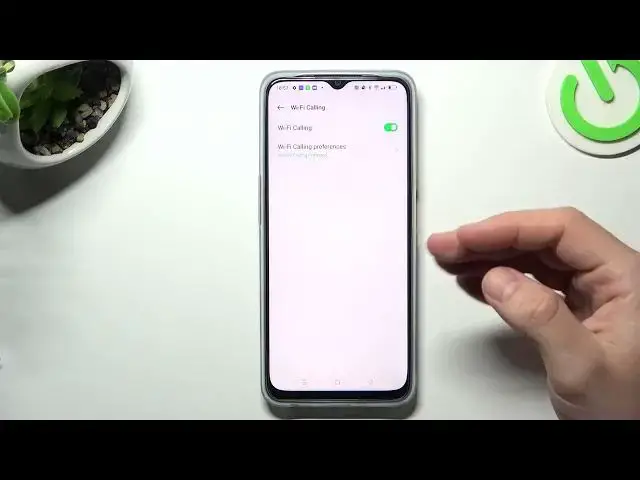

How to Turn On / Turn Off the WiFi Calling on a OPPO A77s
Jul 31, 2024

Learn more about the OPPO A77s: https://www.hardreset.info/devices/oppo/oppo-a77s/tutorials/
Stay connected with WiFi calling on your OPPO A77s! In this YouTube video, we'll show you how to enable and disable WiFi calling on your device. WiFi calling allows you to make and receive calls over a Wi-Fi network, ensuring clear and reliable communication, even in areas with weak cellular coverage. We'll guide you through the settings menu, demonstrating the step-by-step process to activate WiFi calling. You'll also learn how to disable this feature if needed. Whether you're at home, in the office, or traveling, WiFi calling can be a game-changer for your communication needs. Join us in this tutorial to unlock the power of WiFi calling on your OPPO A77s. Don't forget to like, share, and subscribe for more OPPO tips and tricks!
How to make a phone call using a Wifi network on OPPO A77s? How to enable WiFi calling on OPPO A77s? How to disable WiFi calling on OPPO A77s?
#OPPOA77s #WiFiCalling #OPPOPhone
Follow us on Instagram ► https://www.instagram.com/hardreset.info
Like us on Facebook ►
https://www.facebook.com/hardresetinfo/
Tweet us on Twitter ► https://twitter.com/HardResetI
Support us on TikTok ► https://www.tiktok.com/@hardreset.info
Use Reset Guides for many popular Apps ► https://www.hardreset.info/apps/apps/
Show More Show Less