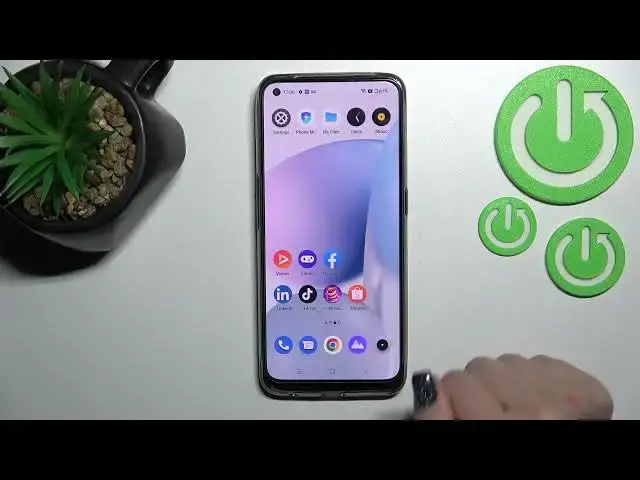

How to Turn On / Turn Off the Screen Touches and Taps Visibility at the Screen Recorder on REALME 9
Apr 3, 2024

Learn more information about the REALME 9: https://www.hardreset.info/devices/realme/realme-9/
In today's video, we are going to talk about one of the options of Screen Recorder on the REALME 9 smartphone - Show Screen Touches. The mentioned feature is responsible for the visibility of display touches and taps during the screen recording. Thereby, if you would like to learn how to either enable or disable the visibility of screen touches and taps for the Screen Recorder on the REALME 9 device, we are gladly encouraging you to watch this tutorial. Kindly enjoy!
How to show touches during the screen recording on REALME 9? How to disable the screen taps visibility for the screen recorder on REALME 9? How to manage the Screen Recorder options on REALME 9? How to configure the screen recorder settings on REALME 9?
#REALME9 #ScreenRecorder #REALMEDisplay
Follow us on Instagram ► https://www.instagram.com/hardreset.info
Like us on Facebook ►
https://www.facebook.com/hardresetinfo/
Tweet us on Twitter ► https://twitter.com/HardResetI
Support us on TikTok ► https://www.tiktok.com/@hardreset.info
Use Reset Guides for many popular Apps ► https://www.hardreset.info/apps/apps/
Show More Show Less