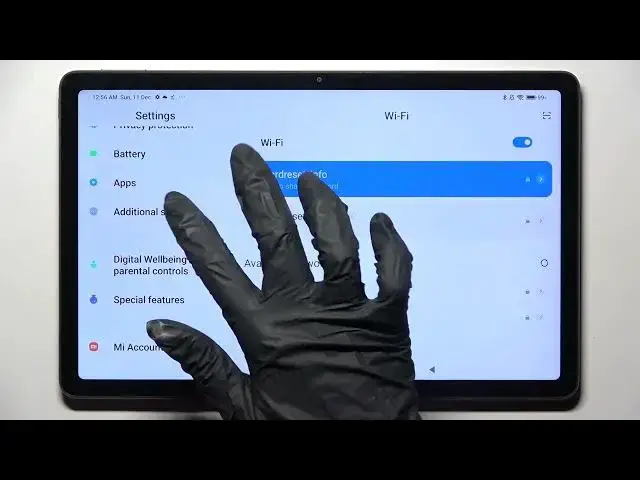

How to Turn On / Turn Off the Automatic Text Correction on the XIAOMI Redmi Pad
Mar 25, 2024

Learn more about the XIAOMI Redmi Pad: https://www.hardreset.info/devices/xiaomi/xiaomi-redmi-pad/tutorials/
In this short and simple video guide, we are going to demonstrate how you can both enable and disable the auto typing correction feature on your XIAOMI Redmi Pad tablet. Thus, we humbly invite you to view this video and discover more about managing text correction options and preferences on the XIAOMI Redmi Pad device. Please enjoy and thanks for watching!
How to enable auto typing correction on the XIAOMI Redmi Pad? How to disable the auto typing correction on the XIAOMI Redmi Pad? How to manage the text correction options on the XIAOMI Redmi Pad? How to configure the typing correction settings on the XIAOMI Redmi Pad?
#XIAOMIRedmiPad #TextCorrection #XIAOMIInput
Follow us on Instagram ► https://www.instagram.com/hardreset.info
Like us on Facebook ►
https://www.facebook.com/hardresetinfo/
Tweet us on Twitter ► https://twitter.com/HardResetI
Support us on TikTok ► https://www.tiktok.com/@hardreset.info
Use Reset Guides for many popular Apps ► https://www.hardreset.info/apps/apps/
Show More Show Less