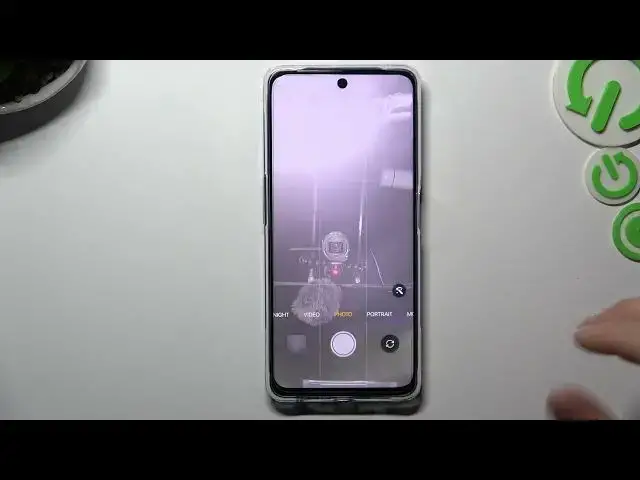

How to Turn On / Turn Off Flip Selfie Function in the Camera of OnePlus Nord CE 3 Lite
Mar 17, 2024

Learn more about the OnePlus Nord CE 3 Lite: https://www.hardreset.info/devices/oneplus/oneplus-nord-ce-3-lite/tutorials/
Are you tired of your selfies appearing mirrored or flipped on your OnePlus Nord CE 3 Lite? In this YouTube video, we'll show you how to enable or disable the selfie camera mirroring option on your device. Whether you prefer your selfies to appear as you see them in the viewfinder or if you prefer the mirrored effect, our step-by-step tutorial will guide you through the process. We'll walk you through the settings menu, where you can find the option to toggle the selfie camera mirroring. With this simple adjustment, you'll have full control over how your selfies are captured and displayed. Kindly enjoy!
How to enable frontal camera mirroring on OnePlus Nord CE 3 Lite? How to disable the selfie camera mirroring on OnePlus Nord CE 3 Lite? How to manage camera options on OnePlus Nord CE 3 Lite? How to flip selfies horizontally on OnePlus Nord CE 3 Lite? How to mirror photos from the front camera on OnePlus Nord CE 3 Lite?
#OnePlusNordCE3Lite #mirroring #OnePlusCamera
Follow us on Instagram ► https://www.instagram.com/hardreset.info
Like us on Facebook ►
https://www.facebook.com/hardresetinfo/
Tweet us on Twitter ► https://twitter.com/HardResetI
Support us on TikTok ► https://www.tiktok.com/@hardreset.info
Use Reset Guides for many popular Apps ► https://www.hardreset.info/apps/apps/
Show More Show Less