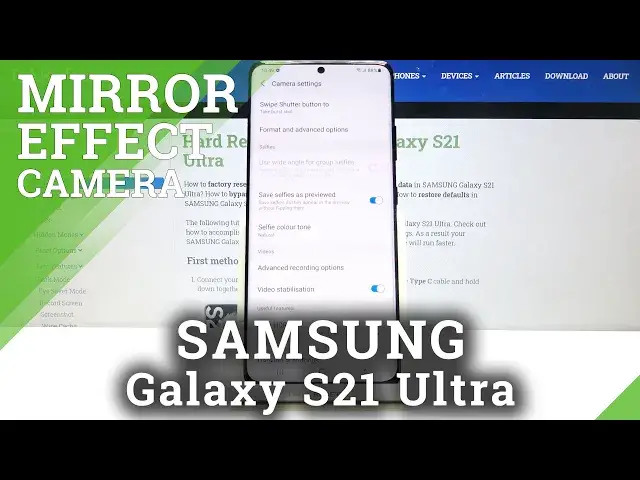

How to Turn On Camera Mirror Effect on SAMSUNG Galaxy S21 Ultra – Disable Camera Mirror Effect
Jul 15, 2024

Learn more info about SAMSUNG Galaxy S21 Ultra:
https://www.hardreset.info/devices/samsung/samsung-galaxy-s21-ultra/
If it bothers you that the photos you take with the front camera on SAMSUNG Galaxy S21 Ultra are flipped, then open this tutorial as we have a simple solution for you. Take into account that you will not need any additional application. Fortunately, in the latest SAMSUNG Galaxy S21 Ultra, there is an option to disable the mirror effect. If you expect your camera to take pictures that are not flipped then you should turn off the mirror effect. If it does not seem important to you, take a picture of any inscription and then you will understand how much the reversed image can be bothersome. Turn off the mirror effect and use your front camera as a mirror and forget about mirroring photos. If you want to discover more advanced camera options in your SAMSUNG Galaxy S21 Ultra, visit our YouTube channel.
How to Turn Off Mirror Effect Camera in SAMSUNG Galaxy S21 Ultra? How to Turn On Mirror Effect Camera in SAMSUNG Galaxy S21 Ultra? How to Disable Mirror Effect Camera in SAMSUNG Galaxy S21 Ultra? How to Enable Mirror Effect Camera in SAMSUNG Galaxy S21 Ultra? How to Switch Off Mirror Effect Camera in SAMSUNG Galaxy S21 Ultra? How to Switch On Mirror Effect Camera in SAMSUNG Galaxy S21 Ultra? How to Disable Mirror Effect in SAMSUNG’s font camera? How to Disable Mirror Effect in SAMSUNG Galaxy S21 Ultra’s font camera? How to Flip Selfie Photo in SAMSUNG Galaxy S21 Ultra? How to Flip Videos on SAMSUNG Galaxy S21 Ultra? How to turn on camera flip on SAMSUNG Galaxy S21 Ultra? How to open camera settings in SAMSUNG Galaxy S21 Ultra?
Follow us on Instagram ► https://www.instagram.com/hardreset.info
Like us on Facebook ► https://www.facebook.com/hardresetinfo/
Tweet us on Twitter ► https://twitter.com/HardResetI
Show More Show Less