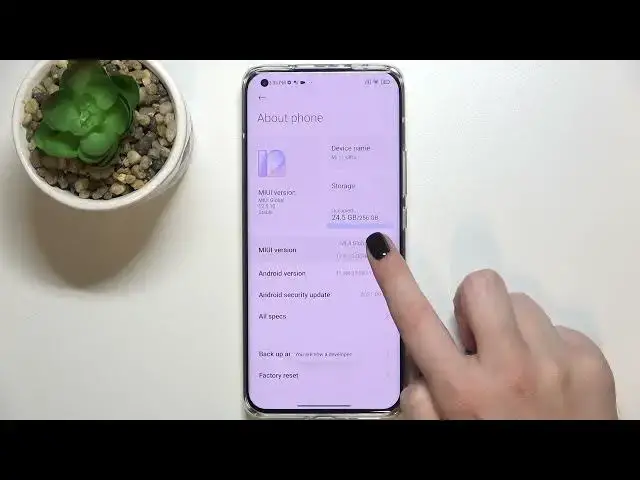

How to Turn On Auto System Updates on Xiaomi Mi 11 Ultra – Turn Off Auto Software Updates
Jul 5, 2024

Check more info about Xiaomi Mi 11 Ultra:
https://www.hardreset.info/devices/xiaomi/xiaomi-mi-11-ultra/
Hi there! If you use Xiaomi Mi 11 Ultra and don’t want to worry about missing any important software changes, you’ll be glad to know that you can make this process automatic. The operating system allows you to automatically download updates so your system can continue to function at its best. However, you will have to first go into the Setting menu and set up automatic updates to make sure they occur. So, don’t delay, open our video tutorial and follow our Specialist steps. For more information visit our HardReset.info YT channel and discover many useful tutorials for Xiaomi Mi 11 Ultra.
How to Disable Automatic System Update on Xiaomi Mi 11 Ultra?
How to Enable Auto Android System Update on Xiaomi Mi 11 Ultra?
How to Set Up Automatic Android Software Updates on Xiaomi Mi 11 Ultra?
#AutoSystemUpdates #SystemUpdate #SystemSettings
Follow us on Instagram ► https://www.instagram.com/hardreset.info
Like us on Facebook ► https://www.facebook.com/hardresetinfo/
Tweet us on Twitter ► https://twitter.com/HardResetI
Support us on TikTok ► https://www.tiktok.com/@hardreset.info
Use Reset Guides for many popular Apps ► https://www.hardreset.info/apps/apps/
Show More Show Less