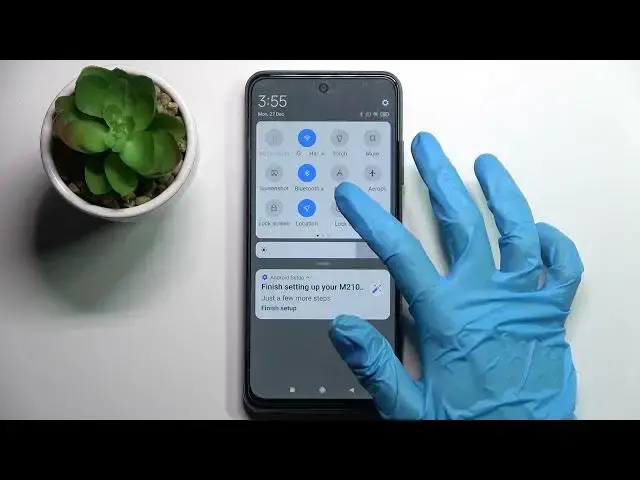

How to Turn Off Auto Screen Rotation on XIAOMI Poco M3 Pro
Jul 3, 2024

Learn more information about XIAOMI Poco M3 Pro:
https://www.hardreset.info/devices/xiaomi/xiaomi-poco-m3-pro/
This simple video tutorial shows how you can disable the auto-rotate screen feature, that allows the display and layout to change accordingly with the phone orientation, whether it is horizontal or portrait. Once disabled, the display will not rotate automatically. Please enjoy the video!
How to deactivate the auto screen rotate function on XIAOMI Poco M3 Pro? How to prevent the display from changing orientation on XIAOMI Poco M3 Pro? How to disable automatic screen rotation on XIAOMI Poco M3 Pro?
#XIAOMIPocoM3Pro #AutoRotateScreen #XIAOMILayout
Follow us on Instagram ► https://www.instagram.com/hardreset.info
Like us on Facebook ►
https://www.facebook.com/hardresetinfo/
Tweet us on Twitter ► https://twitter.com/HardResetI
Support us on TikTok ► https://www.tiktok.com/@hardreset.info
Use Reset Guides for many popular Apps ► https://www.hardreset.info/apps/apps/
Show More Show Less