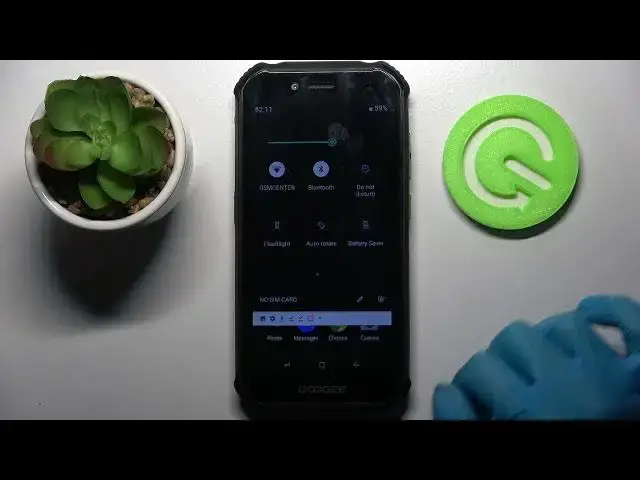

How to Turn Off Auto Rotate Screen on DOOGEE S40
Apr 9, 2024

Find out more about turning off the auto-rotate screen in DOOGEE S40:
https://www.hardreset.info/devices/doogee/doogee-s40/
If you need to turn off Auto Rotate Screen on your Doogee S40, then this video tutorial is for you. We will show you all the methods to find the auto-rotate option and switch it off. Enjoy the video and learn more about your Doogee S40. If you want to know more about your Doogee S40, visit our YouTube channel.
How to switch off the auto-rotate screen in Doogee S40? How to disable screen auto-rotate in Doogee S40? How to locate the auto-rotate icon name in Doogee S40?
#AutoRotation #ScreenAutoRotate #DoogeeS40
Follow us on Instagram ► https://www.instagram.com/hardreset.info
Like us on Facebook ► https://www.facebook.com/hardresetinfo/
Tweet us on Twitter ► https://twitter.com/HardResetI
Support us on TikTok ► https://www.tiktok.com/@hardreset.info
Use Reset Guides for many popular Apps ► https://www.hardreset.info/apps/apps/
Show More Show Less