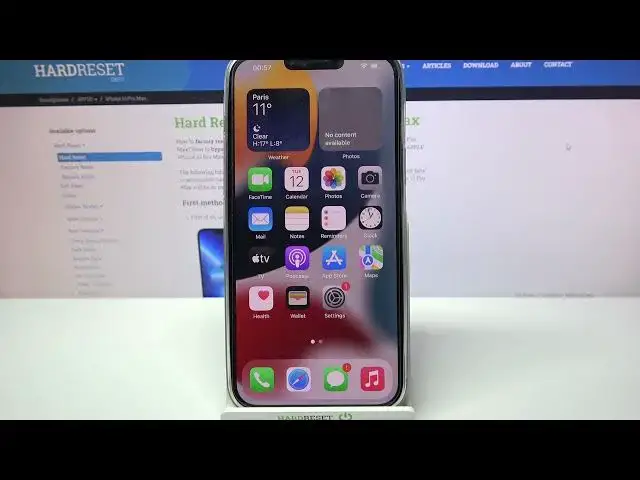

How to Turn Off Auto-Correction on iPhone 13 Pro Max
Jul 6, 2024

Check more info about iPhone 13 Pro Max:
https://www.hardreset.info/devices/apple/apple-iphone-13-pro-max/
Hi there! AutoCorrect Option checks your spelling as you type using the keyboard dictionary and automatically corrects mistakes on your iPhone 13 Pro Max. Unfortunately, it may not always work perfectly, so you might want to Disable this option. In order to find out how to Disable the text correction mode on your iPhone 13 Pro Max - open our video tutorial and follow the steps of our Specialist. Good luck! To find more information visit our HardReset.info YT channel and discover many useful tutorials for iPhone 13 Pro Max.
How to Disable Text Correction on iPhone 13 Pro Max?
How to Switch Off Auto-Correction on iPhone 13 Pro Max?
How to Turn Off Auto Text Correction on iPhone 13 Pro Max?
#DisableTextCorrection #KeyboardAutocorrect #iPhone13ProMax
Follow us on Instagram ► https://www.instagram.com/hardreset.info
Like us on Facebook ► https://www.facebook.com/hardresetinfo/
Tweet us on Twitter ► https://twitter.com/HardResetI
Support us on TikTok ► https://www.tiktok.com/@hardreset.info
Use Reset Guides for many popular Apps ► https://www.hardreset.info/apps/apps/
Show More Show Less