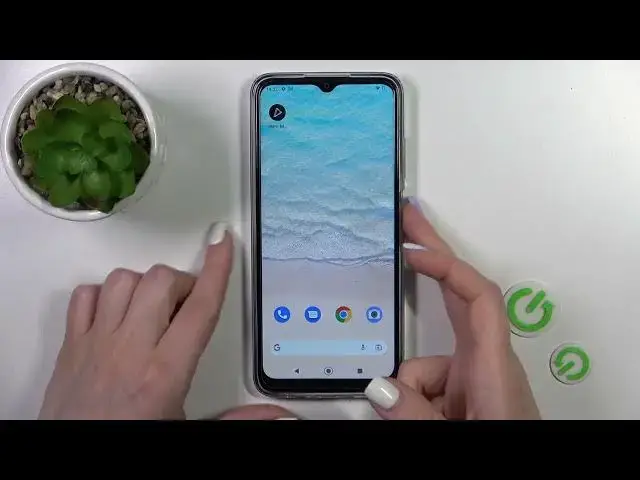

How To Turn Off Always On Display With Muviz Edge App In Nokia G22
Jul 30, 2024

Check more info about Nokia G22 : https://www.hardreset.info/devices/nokia/nokia-g22/tutorials/
In this instructional video we will show you the steps to disable the AODMuviz Edge app on your Nokia G22 smartphone. AODMuviz Edge is a third-party app that provides edge lighting effects on the screen, and turning it off can help conserve battery life or eliminate any unwanted visual distractions.
Why would I want to turn off the AODMuviz Edge app on my Nokia G22?
How do I turn off the AODMuviz Edge app on my Nokia G22?
Can I re-enable the AODMuviz Edge app if I change my mind?
#NokiaG22 #nokiaphones #alwaysondisplay
Follow us on Instagram ► https://www.instagram.com/hardreset.info
Like us on Facebook ► https://www.facebook.com/hardresetinfo/
Tweet us on Twitter ► https://twitter.com/HardResetI
Support us on TikTok ► https://www.tiktok.com/@hardreset.info
Use Reset Guides for many popular Apps ► https://www.hardreset.info/apps/apps/
Show More Show Less