0:00
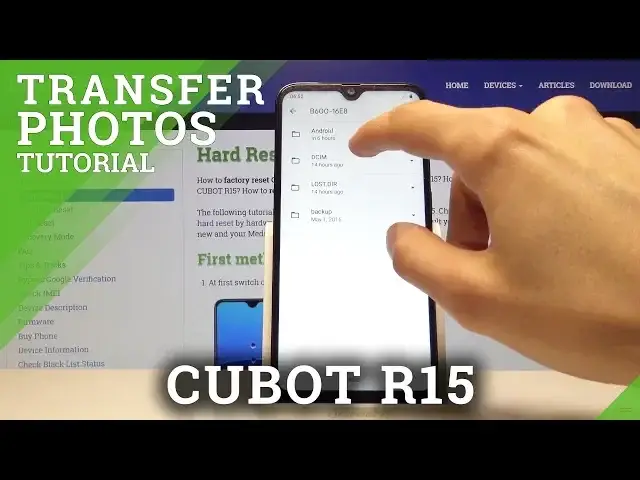
Welcome and for now I'm using a Cubit R15 and today I'll show you how to transfer
0:11
photos or videos from SD card for instance to the phone storage or vice
0:16
versa. And to get started we want to open up files app which is right here. So just
0:24
tap on it and from here you should see both of your storages so internal
0:31
storage which is the devices one and the one that is below as the SD card. Now if
0:37
you don't see anything here go back up and you'll have the three little dots
0:41
here and where I have hide storage devices you should have show storage
0:45
devices. So you can just tap on it and then you should see the storages on the
0:49
bottom. And now if you want to move files from let's say one place to the other
0:53
I'm gonna move for instance a photo from the SD card to the phone. So the process
1:00
is exactly the same no matter where you taking them from and both of the
1:04
folders of the or both of the storages have the same folder as you can see
1:09
right here for the photos for instance. So if you take photos with your phone
1:13
there always will go into DCIM folder like this one where I have a single
1:20
photo as you can see now. And just to showcase I don't have any other photos
1:26
right here so there's also the DCIM folder and there is nothing here. And to
1:33
move the files, photos, videos whatever you like you can go here and either
1:38
select the entire folder if for instance you have a lot of photos in there or you
1:42
can go deeper in and select each individual one that you want to move. I'm
1:46
gonna take the entire folder. Same process you just hold your finger over
1:51
it and it gives you that little check mark here then you tap on three dots up
1:55
here and you have two options you can either move it or copy it. Now if you
1:59
copy it the original ones will stay where they are right now and we'll
2:03
create an additional copy of the file. And if you move it it will just cut it
2:08
from here and you get an option where you want to move it to so you can move
2:12
it somewhere on the SD card or as we want to move it to the phone I'm gonna
2:16
select internal storage and then select the location so I want to move it to
2:21
DCIM and move here. And allow gives you progress and as you can see now the
2:30
DCIM has no more folder that was previously here and now it will be in
2:35
the internal storage. Go here, camera and there is the photo that we have moved
2:43
So that is how you would transfer photos, videos or other files. And if you
2:49
found this very helpful don't forget to hit like, subscribe and thanks for watching