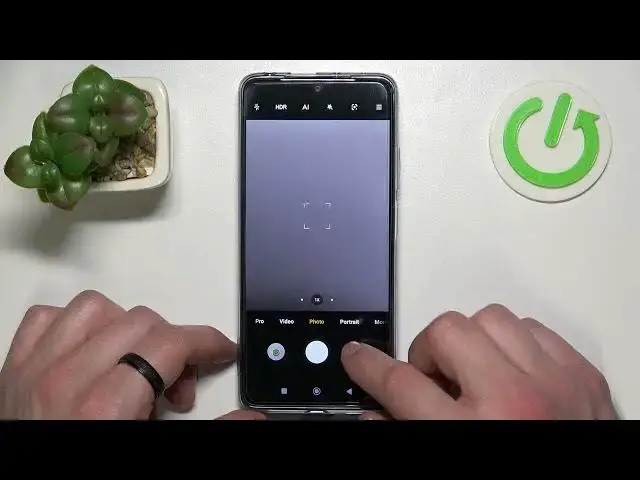

How to Take Selfie Using a Palm Gesture on Xiaomi POCO X4 Pro - Remote Selfie Control on POCO
Apr 3, 2024

Find out more about POCO X4 Pro: https://www.hardreset.info/devices/poco/poco-x4-pro/
In this video I will show you the best method to make a perfect selfie on a POCO X4 Pro. Just show a palm of your hand to the POCO X4 Pro front camera and POCO phone will take a selfie after 3 seconds count down.
How to take a selfie on POCO Xiaomi X4?
How to make a selfie with a hand palm on Xiaomi POCO Pro?
How to delay taking a selfie on POCO X4 Pro?
#poco #pocox4pro5g #selfie
Follow us on Instagram ► https://www.instagram.com/hardreset.info
Like us on Facebook ► https://www.facebook.com/hardresetinfo/
Tweet us on Twitter ► https://twitter.com/HardResetI
Support us on TikTok ► https://www.tiktok.com/@hardreset.info
Use Reset Guides for many popular Apps ► https://www.hardreset.info/apps/apps/
Show More Show Less