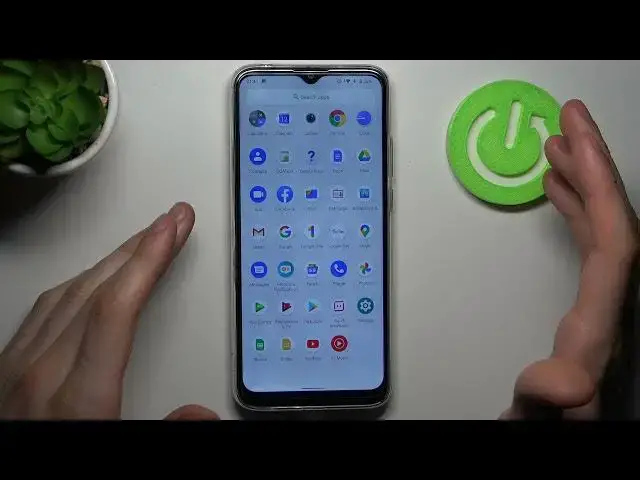

How to Take Screenshot in MOTOROLA Moto G8 Power Lite – Capture Screen
Jul 11, 2024

Learn more info about MOTOROLA Moto G8 Power Lite:
https://www.hardreset.info/devices/motorola/motorola-moto-g8-power-lite/
Wondered how to take screenshot in MOTOROLA Moto G8 Power Lite? Are you looking for a solution to catch fleeting content in MOTOROLA Moto G8 Power Lite? Find out the attached instructions, where we teach you how to take a screenshot in MOTOROLA Moto G8 Power Lite. If you would like to take, save, edit, share or delete the captured screen of your Motorola device, watch instruction above and smoothly use a secret combination of keys to take a screenshot in MOTOROLA Moto G8 Power Lite. Let’s follow the attached instructions and find out all of the methods to grab a screen in your Galaxy device. Visit our HardReset.info YT channel and get many useful tutorials for MOTOROLA Moto G8 Power Lite.
How to grab a screen in MOTOROLA Moto G8 Power Lite? How to save displayed data in MOTOROLA Moto G8 Power Lite? How to capture desktop in MOTOROLA Moto G8 Power Lite? How to take a screenshot in MOTOROLA Moto G8 Power Lite? How to save screen in MOTOROLA Moto G8 Power Lite? How to take a screen snapshot in MOTOROLA Moto G8 Power Lite?
#TakeScreenshot #CaptureScreen #MOTOROLAMotoG8PowerLite
Follow us on Instagram ► https://www.instagram.com/hardreset.info
Like us on Facebook ► https://www.facebook.com/hardresetinfo/
Tweet us on Twitter ► https://twitter.com/HardResetI
Support us on TikTok ► https://www.tiktok.com/@hardreset.info
Use Reset Guides for many popular Apps ► https://www.hardreset.info/apps/apps/
Show More Show Less