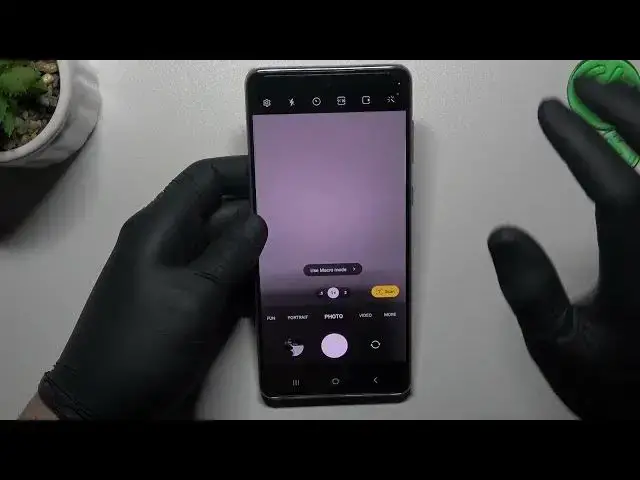

How to take Live Photo on SAMSUNG GALAXY A73 - Active Photo
Mar 23, 2024

To learn more tutorials about SAMSUNG GALAXY A73:
https://www.hardreset.info/devices/samsung/samsung-galaxy-a73-5g/tutorials/
Do you know what Live Photo is? With Live Photos, instead of the still camera capturing only a still photo, it has captured a few moments before the still photo and a few moments after the still photo to create a loop that brings the photo to life. If you would like to learn how to Take a Live Photo on SAMSUNG GALAXY A73, then you should check out this short video tutorial. Follow all the instructions step-by-step described by our specialist and you will be able to Switch On and Use the Live-Photo Function on your SAMSUNG GALAXY A73 without any problem in just a couple of simple moves. If you find this video helpful, leave a like, leave a comment, and subscribe to our Channel. If you have any questions, ask them in a comment, and we will be happy to answer them. Visit our YouTube Channel to discover more video tutorials about your SAMSUNG GALAXY A73 and other devices. Thank you for staying with us and watching our videos!
Can SAMSUNG GALAXY A73 Take Live-Photo?
How to Take a Live Photo on SAMSUNG GALAXY A73?
How to Activate the Live Photo Function on SAMSUNG GALAXY A73?
#SAMSUNGGALAXYA73 #LivePhoto #MotorolaCamera
Follow us on Instagram ► https://www.instagram.com/hardreset.info
Like us on Facebook ► https://www.facebook.com/hardresetinfo/
Tweet us on Twitter ► https://twitter.com/HardResetI
Support us on TikTok ► https://www.tiktok.com/@hardreset.info
Use Reset Guides for many popular Apps ► https://www.hardreset.info/apps/apps/
Show More Show Less