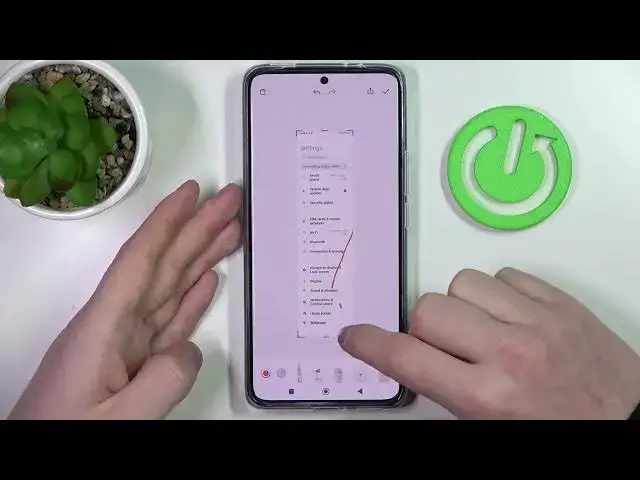

How to Take Full Page Screenshot in XIAOMI 12T – Screenshot Options
Jul 24, 2024

Learn more info about XIAOMI 12T: https://www.hardreset.info/devices/xiaomi/xiaomi-12t-/tutorials/
Are you annoyed with the fact that whenever you take a screenshot in XIAOMI 12T it does not catch full page but only a part of it? Then here we are coming to show you how to change it! In this tutorial we would like to share with you what you can do to take full page screenshot, instead of saving only small part of it! So let’s follow all shown steps and successfully catch on the screenshot all things you want!
How to take full page screenshot in XIAOMI 12T? How to take screenshot of long page in XIAOMI 12T? How to catch full page on screenshot in XIAOMI 12T? How to screenshot full page in XIAOMI 12T? How to save full page in XIAOMI 12T? How to take long screenshot in XIAOMI 12T?
#FullPage #Screenshot #XIAOMI12T
Follow us on Instagram ► https://www.instagram.com/hardreset.info
Like us on Facebook ► https://www.facebook.com/hardresetinfo/
Tweet us on Twitter ► https://twitter.com/HardResetI
Support us on TikTok ► https://www.tiktok.com/@hardreset.info
Use Reset Guides for many popular Apps ► https://www.hardreset.info/apps/apps/
Show More Show Less