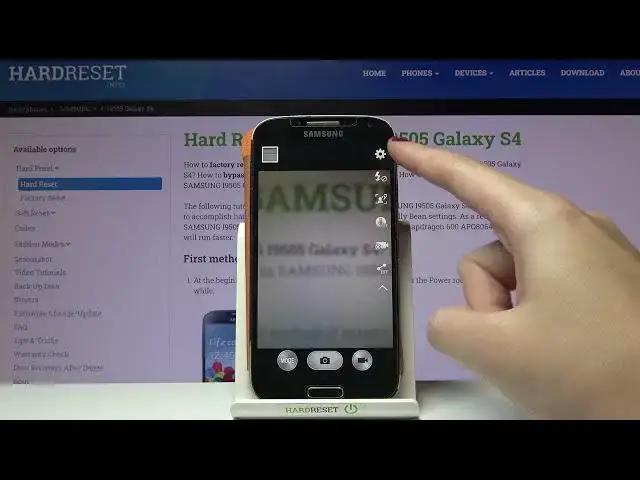

How to Take Burst Shot in SAMSUNG Galaxy S4 – Make Photo Series
Jul 5, 2024

Learn more about SAMSUNG Galaxy S4
https://www.hardreset.info/devices/samsung/samsung-i9500-galaxy-s4/
We will guide you through the process of taking a series of photos using the SAMSUNG Galaxy S4 camera if you do not know how to do it. As a result, the camera shutter button needs to be assigned a new function in order for this to work. We will instruct you to open your camera settings, select the shutter button and set a Bust Shot as the default. Check out our YouTube channel for more great tutorials for the SAMSUNG Galaxy S4.
How to take a burst shot in SAMSUNG Galaxy S4? How to make a burst shot in SAMSUNG Galaxy S4? How to manage burst shot in SAMSUNG Galaxy S4? How to use burst shot in SAMSUNG Galaxy S4? How to turn on burst shot in SAMSUNG Galaxy S4? How to turn off burst shot in SAMSUNG Galaxy S4? How to activate burst shot in SAMSUNG Galaxy S4? How to take a lot of pictures in the SAMSUNG Galaxy S4? How to enter burst shot in SAMSUNG Galaxy S4? How to take photos in a row in SAMSUNG Galaxy S4?
#TakeBurstShot #ManageBurstShot #SAMSUNGGalaxyS4
Follow us on Instagram ► https://www.instagram.com/hardreset.info
Like us on Facebook ► https://www.facebook.com/hardresetinfo/
Tweet us on Twitter ► https://twitter.com/HardResetI
Support us on TikTok ► https://www.tiktok.com/@hardreset.info
Use Reset Guides for many popular Apps ► https://www.hardreset.info/apps/apps/
Show More Show Less