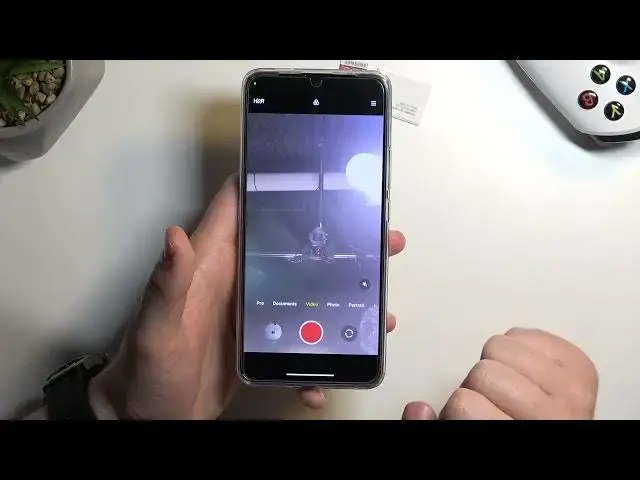

How to Switch Selfie Camera to Rear on POCO F5 Pro - Change Camera
Mar 17, 2024

Find out more about POCO F5 Pro:
https://www.hardreset.info/devices/poco/poco-f5-pro/tutorials/
Did you accidentally turn the front camera in your POCO F5 Pro, and you have no idea how to switch it back? No worries, here we are coming with help! In this tutorial, we would like to guide you through the process of changing the cameras. Thanks to this you'll be able to switch between them whenever you need to! So let's follow all shown steps and learn how to switch the selfie camera to the rear one!
How to enable rear camera on POCO F5 Pro? How to activate rear camera on POCO F5 Pro? How to switch selfie camera to rear camera on POCO F5 Pro/
#RearCamera #Camera #POCOF5Pro
Follow us on Instagram ► https://www.instagram.com/hardreset.info
Like us on Facebook ► https://www.facebook.com/hardresetinfo/
Tweet us on Twitter ► https://twitter.com/HardResetI
Support us on TikTok ► https://www.tiktok.com/@hardreset.info
Use Reset Guides for many popular Apps ► https://www.hardreset.info/apps/apps/
Show More Show Less