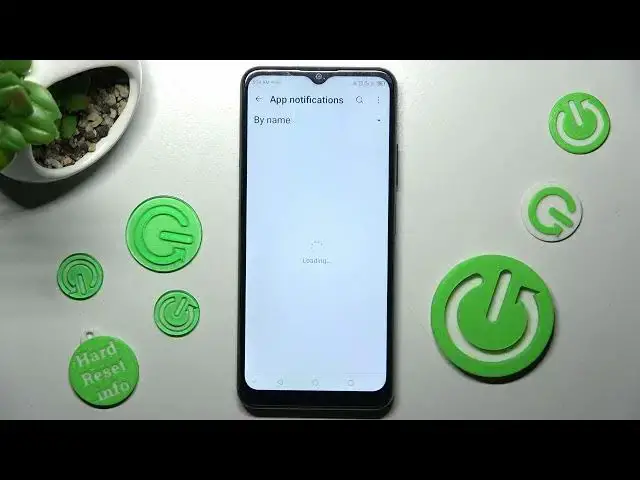

How to Stop App Notifications in ZTE BLADE A71 – Access App Notifications
Mar 25, 2024

Click on this link to learn more about ZTE BLADE A71: https://www.hardreset.info/devices/zte/zte-blade-a71/tutorials/
In order to Stop Incoming Notifications from mostly all of your Apps or just one, then we are coming to help! Follow all instructions presented above, and get to Notification Settings, where you’ll quickly be able to manage pop-ups from your apps. Don't worry, we’ll also show you how to Unblock them on ZTE BLADE A71.So, just in case, so, don’t just wait there, let’s begin!
How to Personalize Notifications in ZTE BLADE A71? How to Enable Notification Settings in ZTE BLADE A71? Where to Find Notification Settings in IN ZTE BLADE A71? How to Manage Notification in ZTE BLADE A71?
#ZTEBladeA71 #StopAppNotifications #AccessAppNotifications
Follow us on Instagram ► https://www.instagram.com/hardreset.info
Like us on Facebook ► https://www.facebook.com/hardresetinfo/
Tweet us on Twitter ► https://twitter.com/HardResetI
Support us on TikTok ►https://tiktok.com/@hardreset.info
Use Reset Guides for many popular Apps ► https://www.hardreset.info/apps/apps/
Show More Show Less