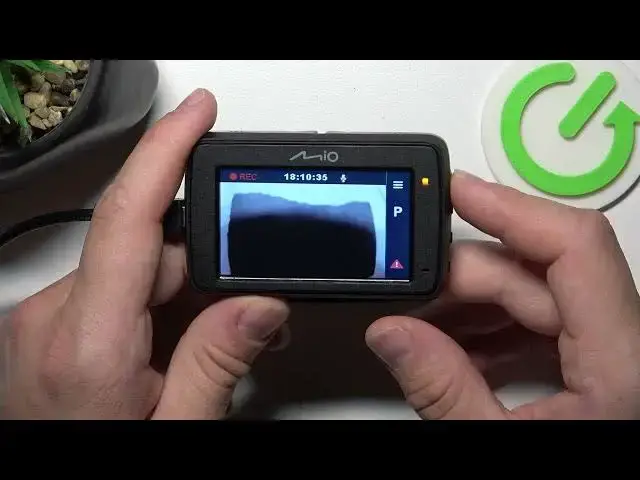

How To Start Emergency Recording In MIO MiVue 732
Aug 5, 2024

Find out more on our website : https://www.hardreset.info
Prepare to take control of your safety on the road with this informative video tutorial on initiating emergency recordings in your MIO MiVue 732 dash camera. Emergency recordings are a crucial feature that allows you to capture critical moments during unexpected events or incidents. Whether you're a new MiVue 732 user or looking to master this function, our step-by-step guide will empower you with the knowledge to quickly and effectively start emergency recordings when it matters most.
What are emergency recordings on the MiVue 732, and when should I use them?
How do I start an emergency recording quickly in the event of an incident?
Can I customize the settings for emergency recordings on my dash camera?
How can I access and review emergency recordings after they've been triggered?
Are emergency recordings automatically saved or do I need to save them manually?
Will initiating an emergency recording overwrite other footage on my MiVue 732?
Can I use the emergency recording function for non-accident events?
#mivue #Camera #compactcamera
Follow us on Instagram ► https://www.instagram.com/hardreset.info
Like us on Facebook ► https://www.facebook.com/hardresetinfo/
Tweet us on Twitter ► https://twitter.com/HardResetI
Support us on TikTok ► https://www.tiktok.com/@hardreset.info
Use Reset Guides for many popular Apps ► https://www.hardreset.info/apps/apps/
Show More Show Less