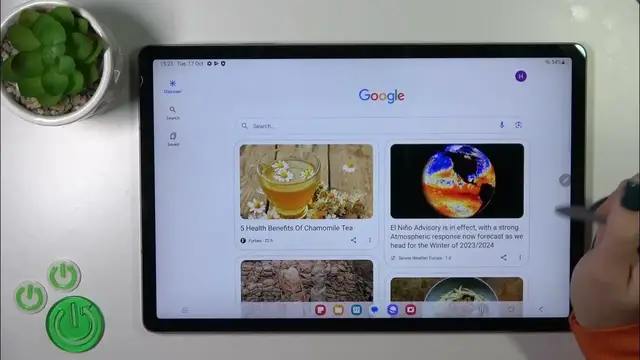

How to Silence 'Hey Google' on SAMSUNG Galaxy Tab S9 FE+
Jan 19, 2024

Find out more: https://www.hardreset.info/devices/samsung/samsung-galaxy-tab-s9-fe/tutorials/
Welcome to another game-changing tutorial on HardReset.Info, your ultimate hub for tech mastery! In this video, we're about to unravel the secrets of "Turning Off 'Hey Google' in Google Assistant on your SAMSUNG Galaxy Tab S9 FE+." Gain full control over your virtual assistant and eliminate those accidental activations. With our channel's extensive reach of over one million subscribers worldwide, we're here to empower you with tech-savvy knowledge, today focusing on customizing your Samsung Galaxy Tab S9 FE+.
How to quickly turn off the 'Hey Google' activation in Google Assistant on my Samsung Galaxy Tab S9 FE+?
What options do I have for customizing Google Assistant's voice recognition settings on my device?
How can I prevent 'Hey Google' from responding when I don't want it to?
Are there any advanced voice assistant features I should explore?
How to re-enable 'Hey Google' if I change my mind in the future?
#samsungglaxy #samsungglaxytab #samsungtab
Follow us on Instagram ► https://www.instagram.com/hardreset.info
Like us on Facebook ► https://www.facebook.com/hardresetinfo/
Tweet us on Twitter ► https://twitter.com/HardResetI
Please support us on TikTok ► https://www.tiktok.com/@hardreset.info
Use Reset Guides for many popular Apps ► https://www.hardreset.info/apps/apps/
Show More Show Less