0:00
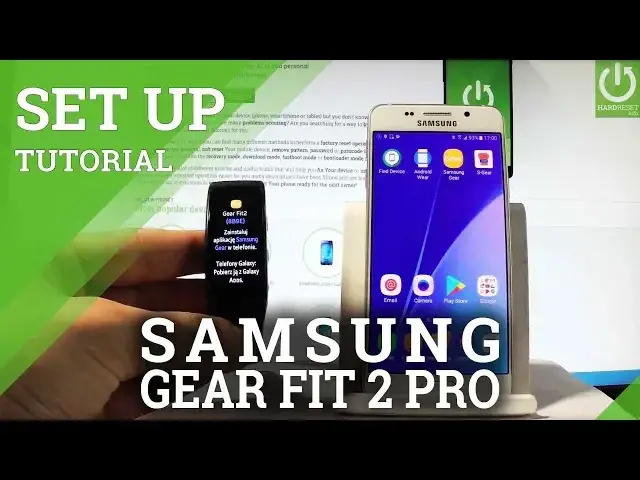
Here I have Samsung Gear Fit 2 and let me show you how to accomplish pairing this device
0:09
with your phone and let me show you how to setup this smartwatch
0:13
So here I have my phone and as you can see I've got installed the Samsung Gear, you can
0:18
download this app from the Play Store, let's tap it and then you have to choose connect
0:23
to gear. The device is searching for a gear, let's wait a couple of seconds
0:28
Bluetooth pairing request, let's tap ok. The device is configured the connection
0:43
The smartwatch is setting up, wait a couple of seconds. You can restore the following data, watch faces, notifications, downloaded apps and settings
0:52
Let me tap don't restore in my case, I would like to have a fresh start, let's tap next
0:57
Here you have some terms and conditions, let me agree to all of them and let me tap next
1:03
You can sign in into Samsung account if you would like to, let me tap skip
1:11
Here you've got some managed notifications, let me leave all of these features enabled
1:15
as it was in the default one and let me tap next
1:19
Setup completed, now you can start your journey towards using a Gear Fit, so that's it
1:27
Now let's just complete the setting up on our smartwatch, let's tap skip and that's it
1:36
As you can see now you can use your Samsung Gear. So everything went well, thank you for watching, please subscribe our channel, leave thumbs