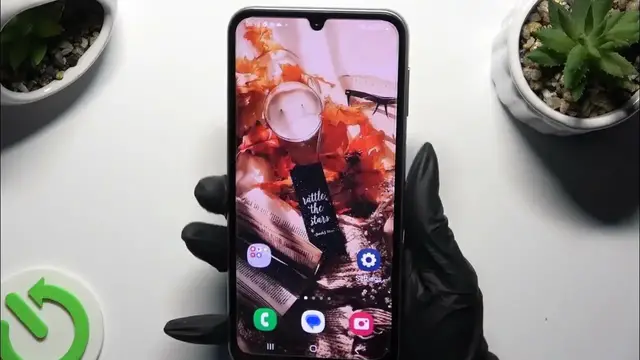

How to Set Up Face Unlock on SAMSUNG Galaxy F34?
Jan 19, 2024

Find out more:
This tutorial is designed for SAMSUNG Galaxy F34 users and provides step-by-step instructions on how to set up Face Unlock on their smartphones. Face Unlock is a convenient security feature that allows you to unlock your device by simply looking at it. By the end of this tutorial, you will be proficient in configuring and using Face Unlock on your SAMSUNG Galaxy F34, adding an extra layer of security and convenience to your device.
How can I access the settings to set up Face Unlock on my SAMSUNG Galaxy F34? Why is it important to know how to set up Face Unlock on my device? What are the prerequisites for setting up Face Unlock, such as a registered face or PIN? Can I customize Face Unlock settings, such as increasing security levels? How do I enroll and register my face for Face Unlock on my device? #SetUpFaceUnlock #FaceRecognition #SAMSUNGGalaxyF34
Follow us on Instagram ► https://www.instagram.com/hardreset.info
Like us on Facebook ► https://www.facebook.com/hardresetinfo/
Tweet us on Twitter ► https://twitter.com/HardResetI
Support us on TikTok ► https://www.tiktok.com/@hardreset.info
Use Reset Guides for many popular Apps ► https://www.hardreset.info/apps/apps/
Show More Show Less