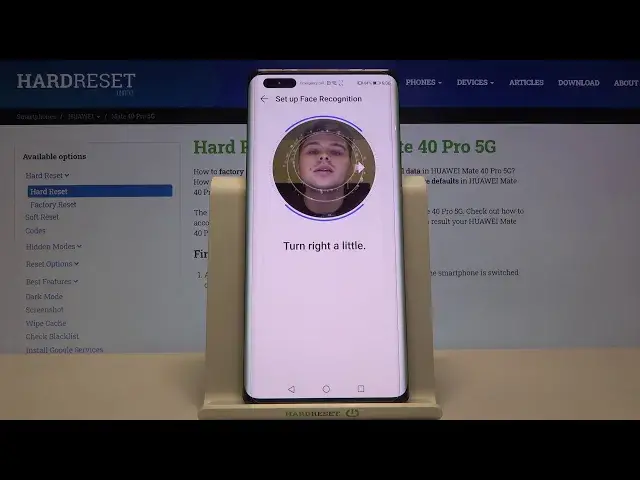

How to Set Up Face Unlock on HUAWEI Mate 40 Pro 5G - Use Face Recognition
Apr 25, 2024

Find out more info about HUAWEI Mate 40 Pro 5G:
https://www.hardreset.info/devices/huawei/huawei-mate-40-pro-5g/
Hello! Now we want to show you how to face recognition works in HUAWEI Mate 40 Pro 5G. Our specialist will show you how to successfully scan your face and add it to your HUAWEI device. Find out how to properly scan your face in order to allow your smartphone to recognize your face and unlock itself as quickly as possible. If you want to know more about the HUAWEI Mate 40 Pro, visit our YouTube channel.
How to add face lock on HUAWEI Mate 40 Pro? How to use face lock on HUAWEI Mate 40 Pro? How to set up face recognition in HUAWEI Mate 40 Pro? How to set up face lock on HUAWEI Mate 40 Pro? How to enable face recognition on HUAWEI Mate 40 Pro? How to use face recognition in HUAWEI Mate 40 Pro?
#FaceUnlock #FaceRecognition #HUAWEIMate40Pro
Follow us on Instagram ► https://www.instagram.com/hardreset.info
Like us on Facebook ► https://www.facebook.com/hardresetinfo/
Tweet us on Twitter ► https://twitter.com/HardResetI
Support us on TikTok ► https://www.tiktok.com/@hardreset.info
Use Reset Guides for many popular Apps ► https://www.hardreset.info/apps/apps/
Show More Show Less