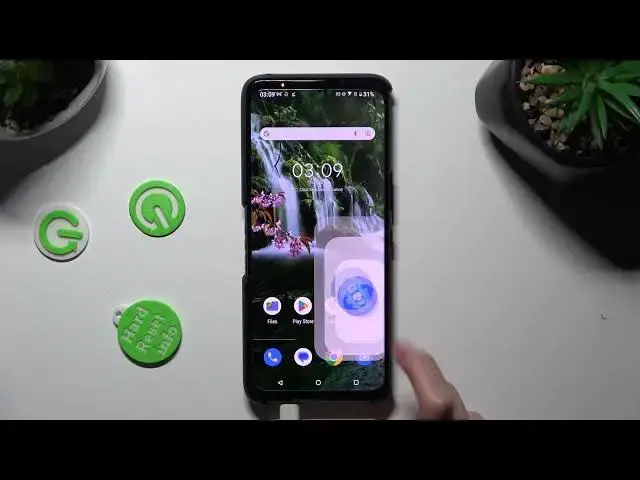

How to Set Up Default Apps on ASUS ROG Phone 7 - Default Browser, Music Player, Mailing App
Aug 1, 2024

Learn more about the ASUS ROG Phone 7: https://www.hardreset.info/devices/asus/asus-rog-phone-7/tutorials/
Want to personalize your ASUS ROG Phone 7 by changing the default apps? Look no further! In this tutorial, we'll walk you through the simple process of changing the default apps on your device. Whether you prefer a different browser, messaging app, or music player, we've got you covered. Learn how to set your preferred apps as defaults and seamlessly integrate them into your daily smartphone usage. Take control of your ASUS ROG Phone 7 and make it truly yours by customizing the default apps. Join us in this video tutorial and unlock a whole new level of flexibility and convenience on your smartphone.
How to change default apps on ASUS ROG Phone 7? How to modify the default system launcher on ASUS ROG Phone 7? How to change the default mailing app on ASUS ROG Phone 7? How to modify the default music player on ASUS ROG Phone 7?
#ASUSROGPhone7 #DefaultApps #ASUSApps
Follow us on Instagram ► https://www.instagram.com/hardreset.info
Like us on Facebook ►
https://www.facebook.com/hardresetinfo/
Tweet us on Twitter ► https://twitter.com/HardResetI
Support us on TikTok ► https://www.tiktok.com/@hardreset.info
Use Reset Guides for many popular Apps ► https://www.hardreset.info/apps/apps/
Show More Show Less