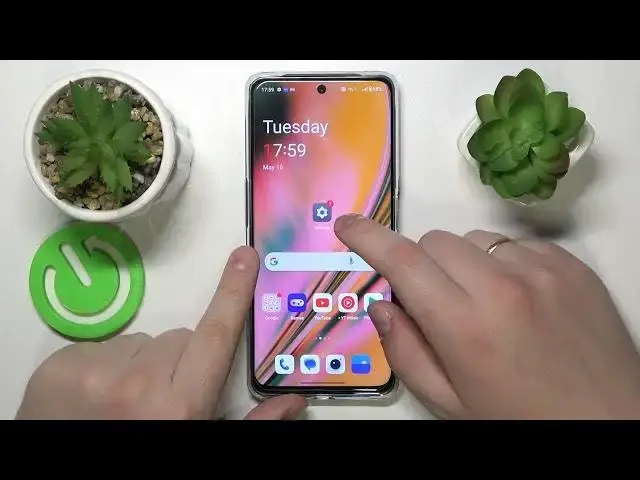

How to Set Opera as Default Browser on ONEPLUS Nord CE 3 Lite?
Aug 1, 2024

This tutorial video will guide you through the process of setting Opera as the default browser on your ONEPLUS Nord CE 3 Lite smartphone. By following the step-by-step instructions, you can ensure that whenever you click on a link or open a webpage, it automatically opens in the Opera browser, providing you with a seamless browsing experience.
Check our website: https://www.hardreset.info/devices/oneplus/oneplus-nord-ce-3-lite/tutorials/
How to Change Default Browser to Opera on ONEPLUS Nord CE 3 Lite?
How to Make Opera the Default Browser on ONEPLUS Nord CE 3 Lite?
How to Set Opera as the Primary Browser on ONEPLUS Nord CE 3 Lite?
#oneplusnordce3lite #oneplusnord #oneplus
Follow us on Instagram ► https://www.instagram.com/hardreset.info
Like us on Facebook ► https://www.facebook.com/hardresetinfo/
Tweet us on Twitter ► https://twitter.com/HardResetI
Support us on TikTok ► https://www.tiktok.com/@hardreset.info
Use Reset Guides for many popular Apps ► https://www.hardreset.info/apps/apps/
Show More Show Less