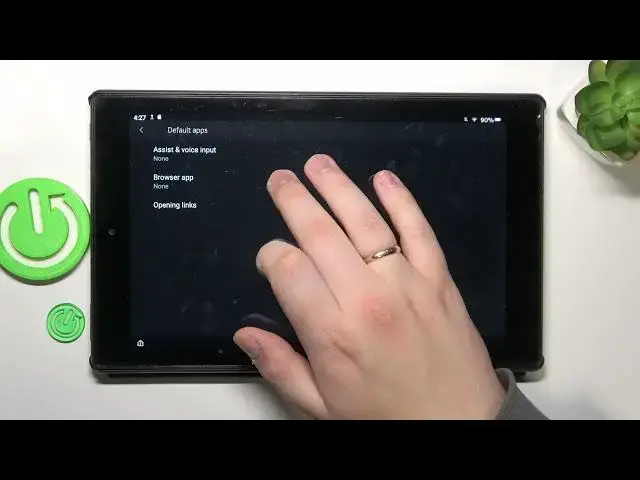

How to Set Opera as Default Browser on AMAZON Fire HD 10?
Mar 17, 2024

In this tutorial video, you will learn how to set the Opera browser as the default browser on your AMAZON Fire HD 10 tablet. By following the step-by-step instructions, you can customize your device to open all web links and URLs with the Opera browser, making it your preferred choice for browsing the internet on your AMAZON Fire HD 10.
Check our website: https://www.hardreset.info/devices/amazon/amazon-fire-hd-10/tutorials/
Changing default browser to Opera on AMAZON Fire HD 10
Making Opera default browser on AMAZON Fire HD 10
Set preferred browser to Opera on AMAZON Fire HD 10
#amazonfire #amazon #tablet
Follow us on Instagram ► https://www.instagram.com/hardreset.info
Like us on Facebook ► https://www.facebook.com/hardresetinfo/
Tweet us on Twitter ► https://twitter.com/HardResetI
Support us on TikTok ► https://www.tiktok.com/@hardreset.info
Use Reset Guides for many popular Apps ► https://www.hardreset.info/apps/apps/
Show More Show Less