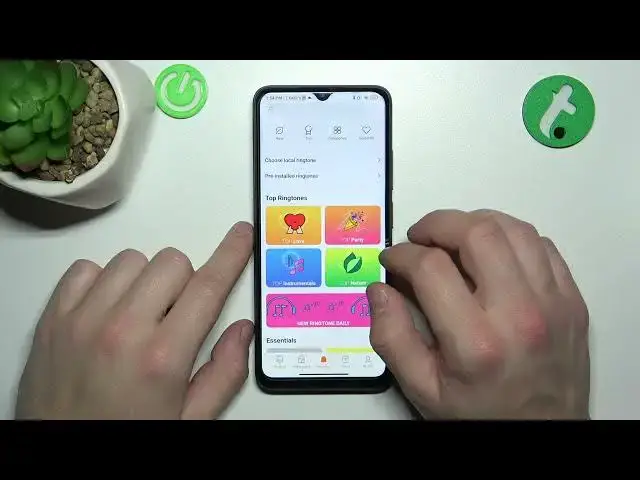

How to Set Custom Notification Sound on a POCO C50
Mar 20, 2024

Learn more about the POCO C50: https://www.hardreset.info/devices/poco/poco-c50/tutorials/
Learn how to set custom notification sounds for your favorite apps on your POCO C50 with this YouTube tutorial. Easily identify which app is alerting you without having to check your phone. Go to Sound & vibration settings, App notifications, select the app you want to customize, turn on "Custom notification sound," and choose a sound from your phone's library. Our guide provides detailed instructions and troubleshooting tips. Personalize your device and improve your notification experience!
How to set a custom tune for app notifications on a POCO C50? How to change the notification tune to a custom sound on a POCO C50? How to modify the sound for app notifications on a POCO C50?
#POCOC50 #AppNotifications #XIAOMISound
Follow us on Instagram ► https://www.instagram.com/hardreset.info
Like us on Facebook ►
https://www.facebook.com/hardresetinfo/
Tweet us on Twitter ► https://twitter.com/HardResetI
Support us on TikTok ► https://www.tiktok.com/@hardreset.info
Use Reset Guides for many popular Apps ► https://www.hardreset.info/apps/apps/
Show More Show Less