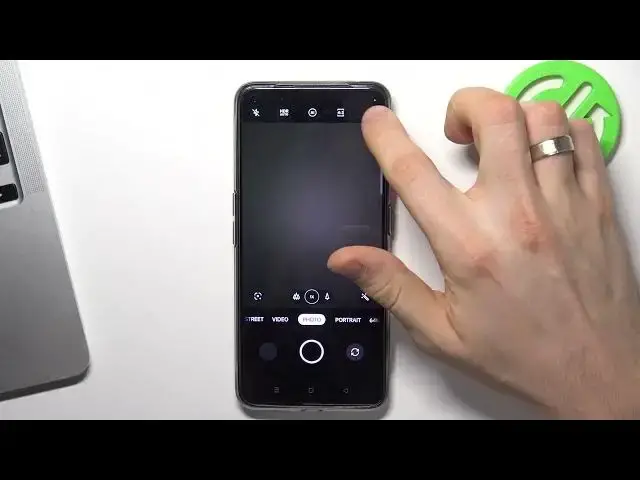

How to Set Camera Timer on Realme Q5 Pro - Self Timer
Jul 26, 2024

Learn more: https://www.hardreset.info/devices/realme/realme-q5-pro/tutorials/
Whether you're taking a group photo or just want to be in the picture yourself, this guide will walk you through the process of setting a timer for your camera. We'll take you through the steps of accessing the camera settings, selecting the timer option, and choosing the length of time you want the timer to be set for. By the end of this tutorial, you'll know how to easily set a timer for your Realme Q5 Pro's camera, so you can be in the picture too. Additionally, this feature can be very useful when you need to take a stable shot and need to keep your device steady. So, whether you're taking a group photo or just want to be in the picture yourself, be sure to watch this tutorial and learn how to set the timer on your Realme Q5 Pro camera.
How to Set Camera Timer on Realme Q5 Pro?
How to Set Camera Timer on Realme Q5 Pro?
How to Set Camera Timer on Realme Q5 Pro?
#cameratimer #selftimer #realmeq5pro
Follow us on Instagram ► https://www.instagram.com/hardreset.info
Like us on Facebook ► https://www.facebook.com/hardresetinfo/
Tweet us on Twitter ► https://twitter.com/HardResetI
Support us on TikTok ► https://www.tiktok.com/@hardreset.info
Use Reset Guides for many popular Apps ► https://www.hardreset.info/apps/apps/
Show More Show Less