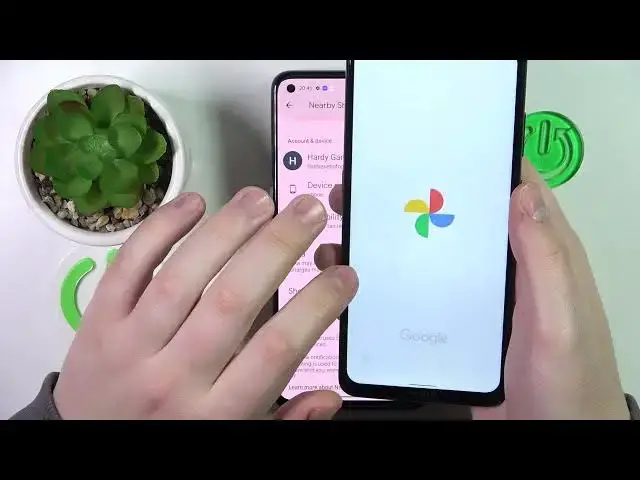

How to Send Files via Nearby Share in Realme Narzo 50 Pro - Find and Use Nearby Share
Mar 21, 2024

Click here if you want to read more about Realme Narzo 50 Pro: https://www.hardreset.info/devices/realme/realme-narzo-50-pro/tutorials/
Did you know that there is a quicker way to send files from Realme Narzo 50 Pro than Bluetooth or messages? This is because this Realme’s amazing NearBy Share feature makes it simple to Send Any File by tapping on it and choosing the appropriate options within seconds. So, if you want to Transfer Files via this option to Nearby Device, then look up and learn how to operate it. Let's get going!
How to Find Nearby Share in Realme Narzo 50 Pro? How to Send Files via Nearby Share in Realme Narzo 50 Pro? How to Use Nearby Share in Realme Narzo 50 Pro?
#RealmeNarzo50Pro #FindNearbyShare #SendFilesNearbyShare
Follow us on Instagram ► https://www.instagram.com/hardreset.info
Like us on Facebook ► https://www.facebook.com/hardresetinfo/
Tweet us on Twitter ► https://twitter.com/HardResetI
Support us on TikTok ►https://tiktok.com/@hardreset.info
Use Reset Guides for many popular Apps ► https://www.hardreset.info/apps/apps/
Show More Show Less #File Sharing & Hosting
#Photo & Image Sharing