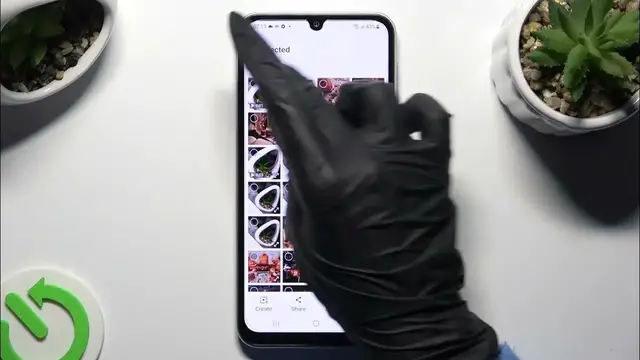

How to Select & Delete Multiple Photos At Once on SAMSUNG Galaxy F34 Gallery?
Jan 19, 2024

Find out more info about SAMSUNG Galaxy F34: https://www.hardreset.info/devices/samsung/samsung-galaxy-f34-5g/tutorials/
This tutorial is designed for SAMSUNG Galaxy F34 users and provides a step-by-step guide on how to select and delete multiple photos at once in the device's gallery. Managing your photos efficiently is essential for freeing up storage space and organizing your media. By the end of this tutorial, you will be proficient in selecting and deleting multiple photos simultaneously in the SAMSUNG Galaxy F34 Gallery app, streamlining the process and keeping your gallery organized.
How can I access the gallery and select multiple photos on my SAMSUNG Galaxy F34? Why is it important to know how to select and delete multiple photos at once? Can I customize the selection process, such as selecting photos by date or location? How do I select multiple photos efficiently, especially if I have a large gallery? What happens after I've selected multiple photos for deletion? #DeleteMultiplePhotos #MultiplePhotos #samsunggalaxyf34
Follow us on Instagram ► https://www.instagram.com/hardreset.info
Like us on Facebook ► https://www.facebook.com/hardresetinfo/
Tweet us on Twitter ► https://twitter.com/HardResetI
Support us on TikTok ► https://www.tiktok.com/@hardreset.info
Use Reset Guides for many popular Apps ► https://www.hardreset.info/apps/apps/
Show More Show Less