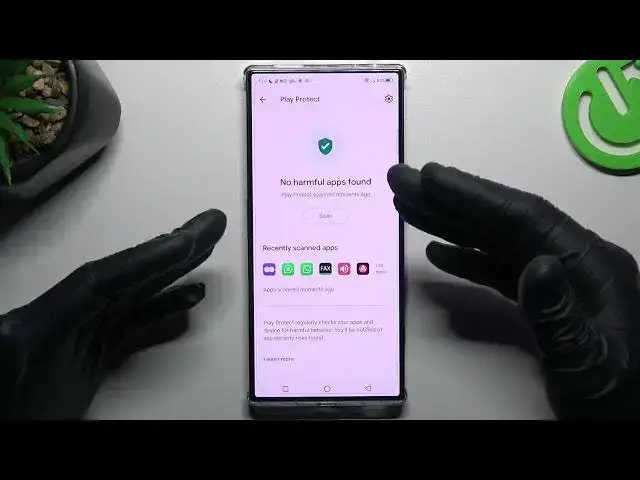

How to Scan for Harmfull Apps on Red Magic 8 Pro+?
Mar 10, 2024

Your Red Magic 8 Pro+ is a powerhouse of gaming and performance, but keeping it safe from harmful apps is equally important. In this comprehensive tutorial, we'll guide you through the process of scanning your device for potentially harmful applications. Learn how to ensure the security and integrity of your device as we walk you through the steps to scan and remove any threats, so you can continue enjoying your gaming experience without worries.
How to Access Security Settings on Red Magic 8 Pro+?
How to Locate the "Harmful App Scanner" Option?
How to Initiate a Scan for Harmful Apps?
How to View the Scanning Progress?
Check our website: https://www.hardreset.info/devices/zte/zte-nubia-red-magic-8-pro/tutorials/
#redmagic8pro #redmagic8proplus #nubiaredmagic8pro
Follow us on Instagram ► https://www.instagram.com/hardreset.info
Like us on Facebook ► https://www.facebook.com/hardresetinfo/
Tweet us on Twitter ► https://twitter.com/HardResetI
Support us on TikTok ► https://www.tiktok.com/@hardreset.info
Use Reset Guides for many popular Apps ► https://www.hardreset.info/apps/apps/
Show More Show Less